Google Stitch Honest Review: What the Free AI Design Tool Gets Right (and Where It Falls Short)
I tested Google Stitch with a real project: what the free AI design tool gets right, where it falls short, and whether it can replace Figma.

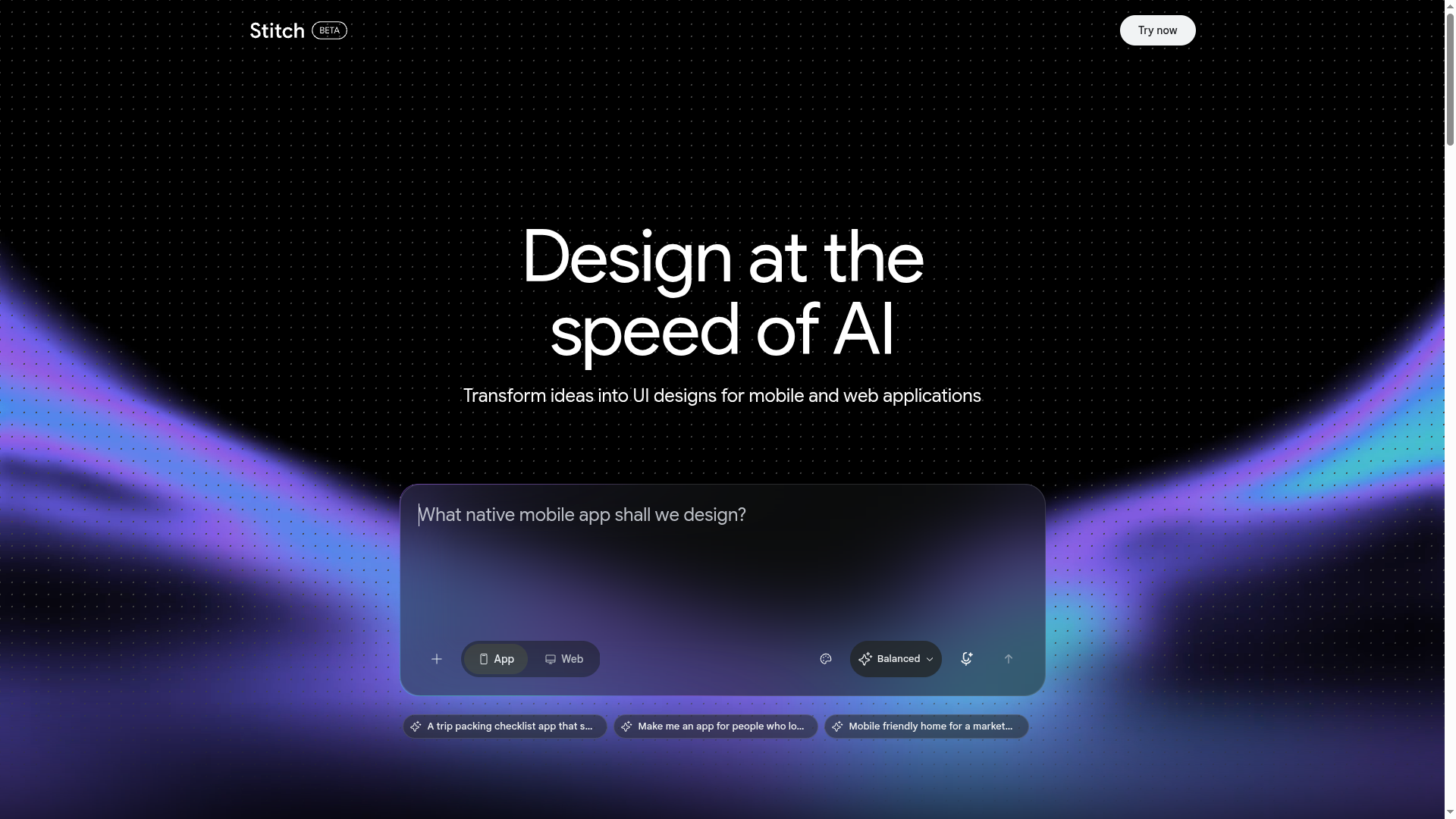
Google Stitch has one of the most tempting pitches in design tools right now: describe the app you're imagining, get a working multi-screen design back in seconds, free. And since the March 2026 update turned it from a simple prompt-to-UI generator into a full canvas product, it's been showing up in every "AI design tool" comparison on YouTube.
Free and fast is a great pitch. But free tools have a way of hiding the real cost in friction, and "fast" often means shallow. So I did what I did in our test of free user flow tools: I opened it, started working, and wrote down everything that happened. Here's the honest version.
What Stitch is, and what changed in March
Stitch came out of Google Labs in 2025 as a prompt-to-UI generator: type what you want, get screens. The March 2026 update is the bigger story. As Google's own announcement put it, Stitch is now "a canvas for vibing out UI ideas", a place where the AI works alongside you instead of just answering prompts. The full rundown is on the official Google blog.
The update added a proper infinite canvas where you can move screens around, select elements, and direct the AI on specific parts. It introduced DESIGN.md, a style guide the AI writes and then follows, which is Google's answer to a problem every AI design tool has (more on that below). It added a voice mode that turns spoken critiques into edits, instant prototypes you can click through, and exports beyond Figma: AI Studio, Lovable, MCP, SDK. The product direction is interesting. Whether it delivers is a different question.
Hands-on: my first ten minutes with Stitch
The landing page gets straight to business: a prompt box front and center, "What will you create today?" I typed a brief for a subscription management dashboard, the same brief I use for every tool in this series, and hit Generate.
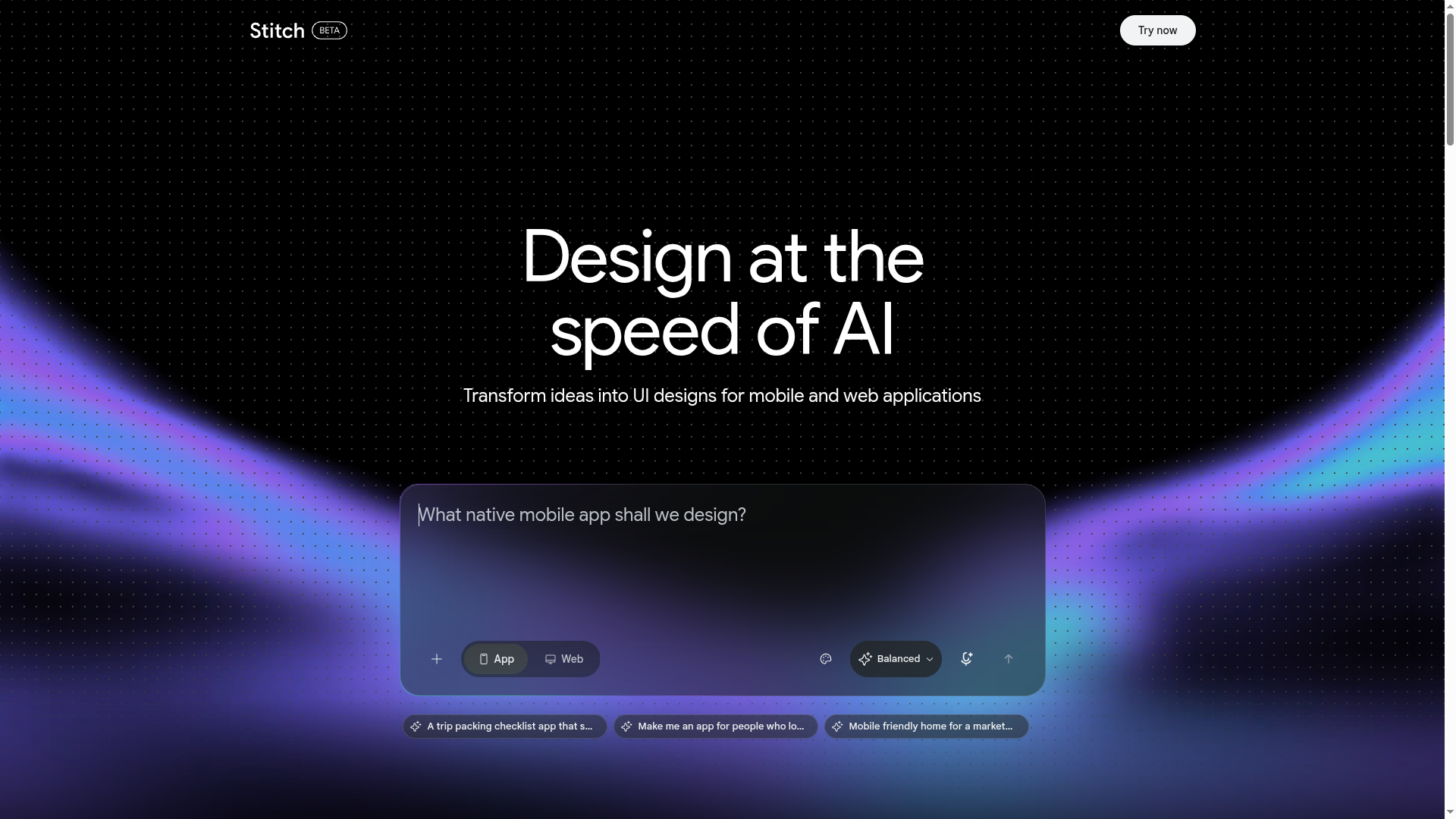
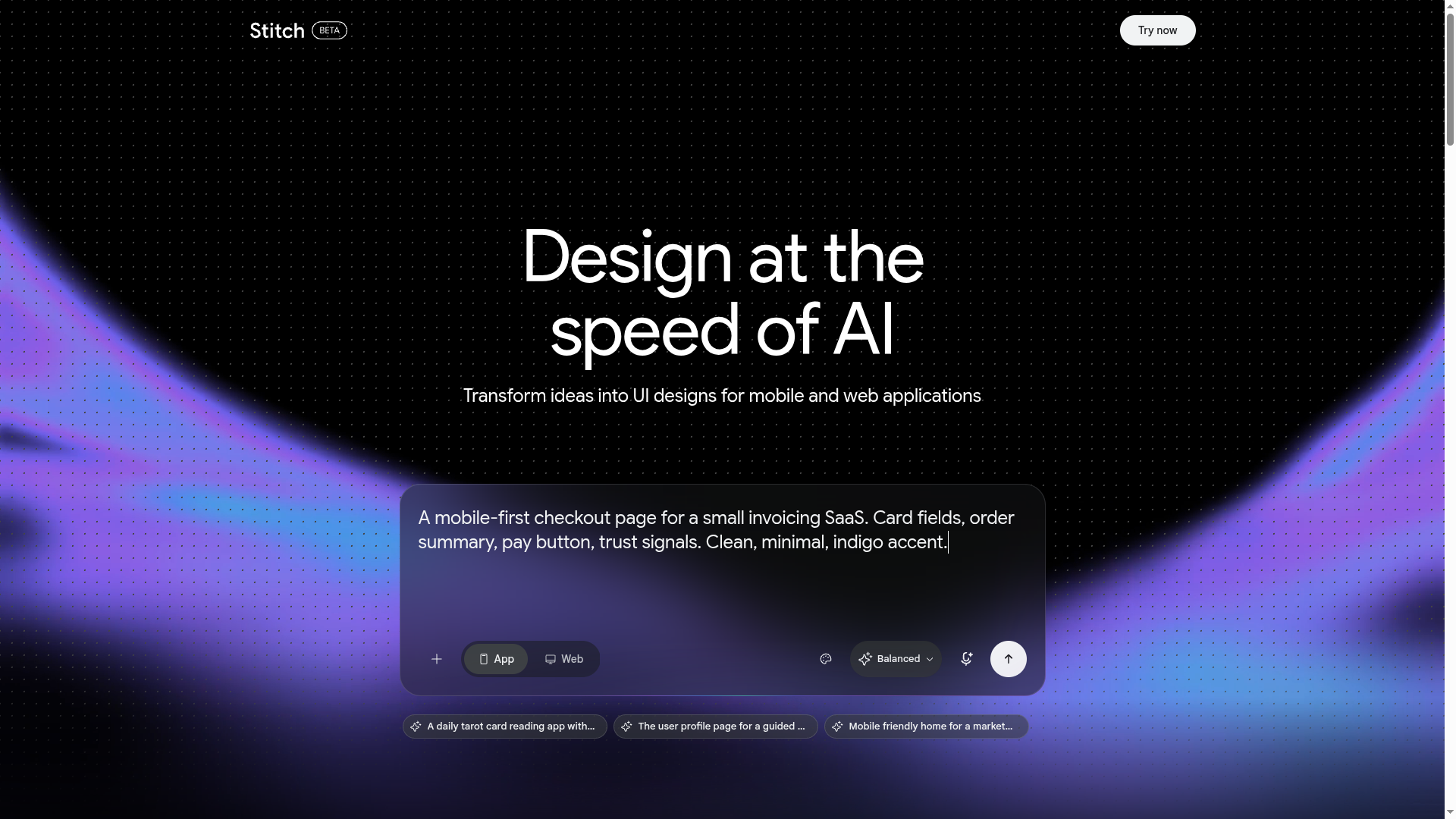
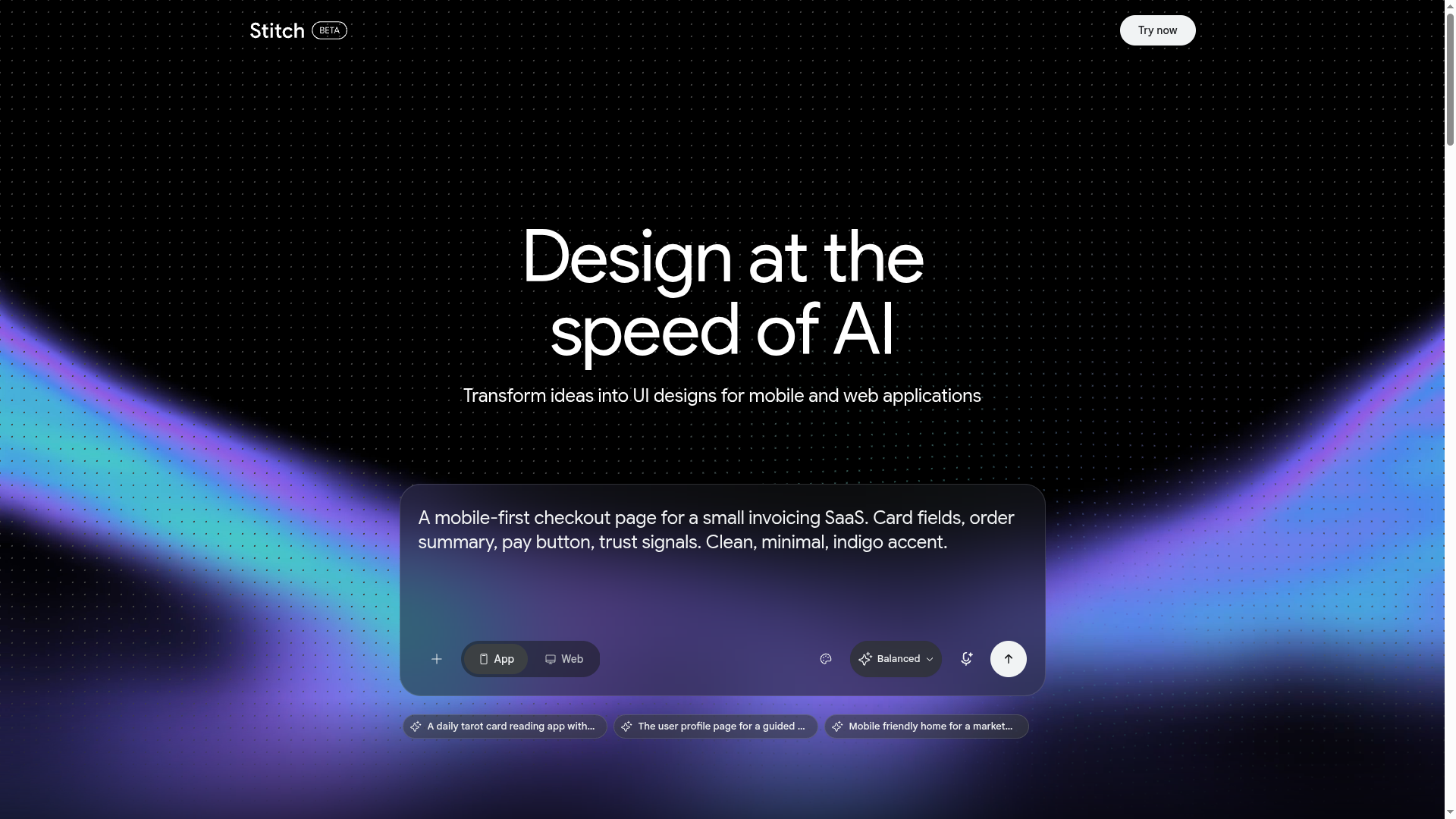
And then, the wall: a Google sign-in screen. Unlike the free drawing tools I tested earlier, which let you work anonymously for as long as you like, Stitch wants an account the moment you want anything back from the AI.
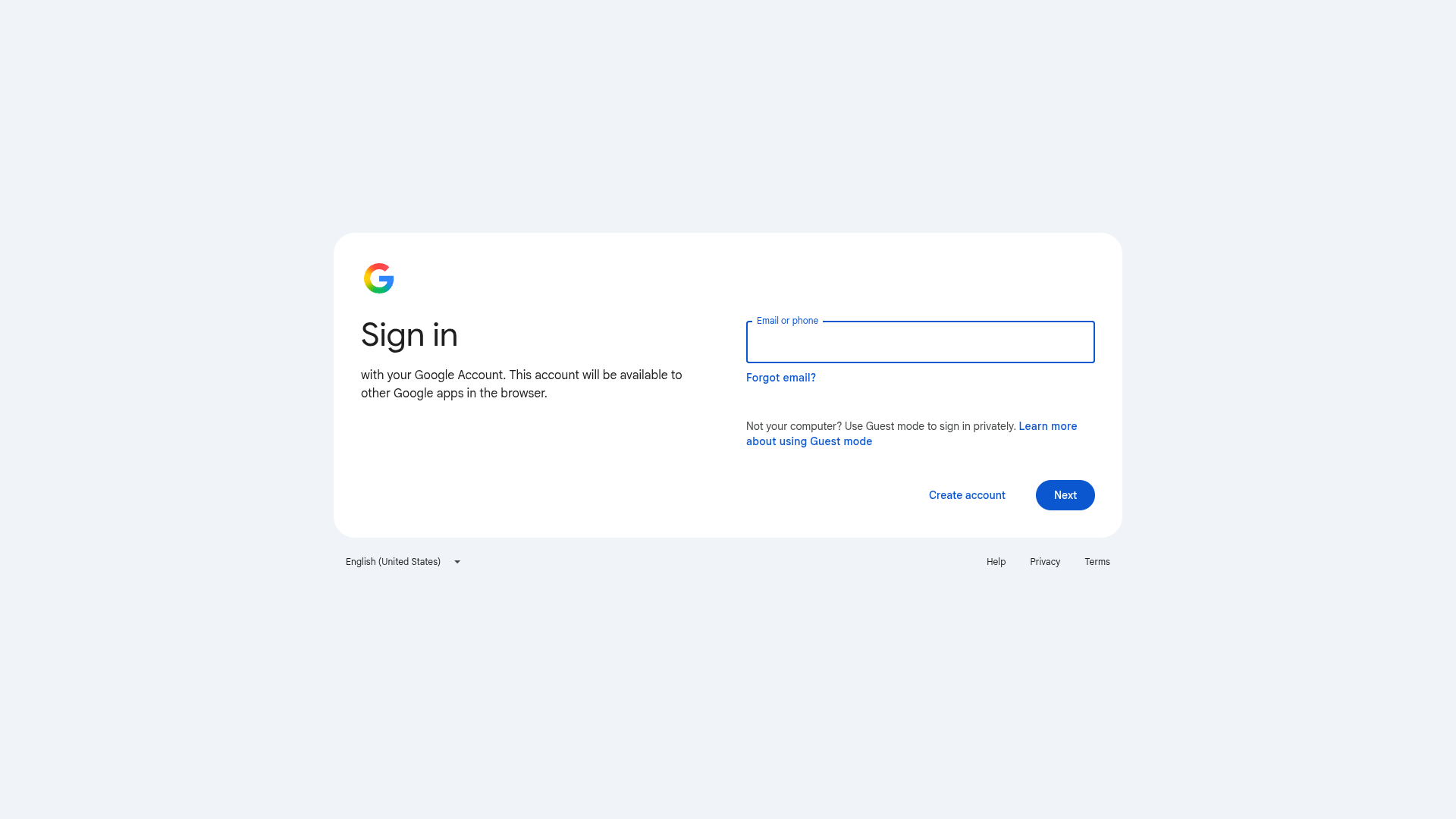
That's not a dealbreaker; Google accounts are free and most people have one. But it's worth knowing before you promise a stakeholder a live demo, and it's a real difference from tools like Excalidraw or draw.io, where the first sign-in prompt only appears when you try to save or share. On Stitch, the sign-in isn't for saving. It's for generating at all.
What Stitch is genuinely good at
From Google's announcement and the hands-on reviews that followed the update, the strengths cluster around speed and iteration. You can generate an entire app concept, multiple screens with consistent styling, faster than you could open a design file and place your first rectangle. Variations come on demand: don't like a screen, ask again, get a different take in seconds. The voice mode is the sleeper feature; talking through what's wrong with a screen ("the CTA is too weak, the data table needs breathing room") is genuinely faster than writing it out, and the AI applies the critique.
The prototype step matters too. Stitch's outputs are clickable, not static mockups, so you can walk a stakeholder through a flow on day one. For the early phase, where the question is "does this concept make sense at all", that speed-to-prototype is the actual product.
Where it falls short
Here's where I stop relaying the marketing and start relaying the people who pushed the tool hard. The most thorough public stress test I found is a full video walkthrough that puts Stitch through a realistic product design task. Watch the verdict around 19:46:
Here it is as a real embed now, queued to the verdict:

Jesse Showalter runs Stitch through a full client task. The verdict lands around 19:46.
"B minus, maybe C plus level design... but again, a great start" : the stress test verdict. Watch with timestamp: Stress-testing Google Stitch (YouTube, 19:46)
The reviewer's detailed findings match that grade. Around 7:16: "no direct control on the canvas tools... if you want something very similar to Figma, you're not going to get that." Layers, precise nudges, pixel-level tweaks, the bread and butter of a design file, aren't really there. And after the export demo around 9:00 (AI Studio, Figma, zip files, MCP, Lovable), the summary line that should be stitched above every Stitch marketing page, around 17:12: "I still wouldn't live here and die here."
That tracks with what the design community is saying about AI design tools generally. A widely-discussed thread on r/UXDesign from late March 2026, "Design systems are getting quietly WRECKED by AI", captures the deeper problem. The original poster describes turning on "design mode" after weeks of vibe-coded interfaces: "instantly red. Broken system. Spacing rules gone. Random padding. Overlapping sections."
"Carelessness. Vibecoders don't care about the product, they care about looking like they're making progress."
MaddyMagpies, r/UXDesign (40 upvotes)
The counterpoint in the same thread is worth reading too:
"Vibe coding locally and pushing dumb shit into prod are two unrelated problems."
Flickerdart, r/UXDesign (53 upvotes)
DESIGN.md is Google's structural answer to exactly this: instead of hoping the AI keeps spacing, type, and color consistent across twenty screens, it writes the rules down and follows them. It's the right idea. Whether it fully solves drift across a real design system, with real tokens and real edge cases, is the kind of question a two-hour review can't answer honestly. The Reddit thread suggests the problem is broader than any one tool.
The exit ramp: exports
The smartest thing Stitch does might be what happens after you're done with it. The video tests the Figma path around 9:50: copy from Stitch, paste into Figma, and it arrives as real layers, not a flattened image. That single detail changes what Stitch is for. If the output lands in Figma as editable layers, then Stitch can be the concept phase and Figma can stay the craft phase, and nobody has to redraw anything.
The other exports point the same direction. AI Studio and Lovable hand the design to code generation; MCP and SDK hand it to your own tooling. Google is explicitly building Stitch as the front door to a pipeline, not as a destination where designers live all day. That's honest, and it's the right way to evaluate it.
Who Stitch is actually for
After all of that, the verdict is less about the tool and more about the job. Stitch is for the earliest phase: founders mocking a concept, PMs exploring flows, designers generating directions to react to. It is free, it is fast, and the canvas update makes iteration feel like a conversation. If that's your job, Stitch is one of the best options anywhere at that price.
Stitch is not a Figma replacement, and the stress tester's "wouldn't live here" line is the honest summary. No layer-level control, design quality that lands around B-minus on demanding briefs, and a sign-in wall before the first generation. If your work is precise, systematic, and hand-tuned, Stitch is a starting point, not a studio.
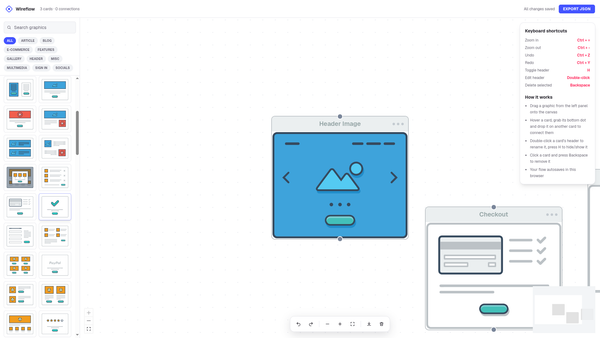
And if what you need is neither a concept machine nor a full design file, but a way to map and communicate the flow itself, the user journeys behind the screens, that's the gap we built Wireflow for. We use it alongside tools like Stitch: they're good at proposing what a screen looks like; Wireflow is good at showing how the screens connect, with the full graphics libraries and no signup wall at all.
FAQ
Is Google Stitch free?
Yes. Stitch has a free tier, and generating requires only a Google account. Google has not published detailed free-tier limits, so expect practical caps on generation volume rather than a paywall at the door.
Can Stitch replace Figma?
No. It lacks layer-level control, precise canvas tools, and the systematic craft features Figma is built around, which is exactly what the most thorough public stress test concluded. Think of it as the front of the pipeline: concept and iteration, with Figma paste as the handoff.
Does Stitch work without an account?
No. The landing page lets you type a prompt, but generating requires signing in with a Google account.
What is DESIGN.md in Stitch?
A style guide the AI writes and then follows: spacing, type, color rules captured in a file the generator references. It's Google's answer to design drift in AI-generated UI, the problem highlighted in community threads about AI tools breaking design systems.