Free User Flow Tools That Are Actually Free in 2026 (Tested, Not Copy-Pasted)
We drew the same checkout flow in nine tools to find out which free plans survive contact with real work. No watermarks, no signup walls, verdicts by use case.

Every tool that ranks for "user flow tool" has the word free somewhere on its pricing page. Then you open the editor, draw two boxes, hit export, and meet the wall. A watermark. A seat limit. A popup asking you to upgrade before the PNG saves. So we did what the listicles don't: we opened the most-recommended tools, drew a real checkout flow in each one, and wrote down what "free" actually buys you.
How we tested: the free-plan reality checklist
Same brief for every tool: a small checkout flow (landing page, a sign-up decision, cart, payment). The checklist:
- Can you open it without an account?
- Can you finish a real flow? Not a scribble, something you'd show a stakeholder.
- What happens on export? Watermarks and low-res locks are the classic trap.
- What's the catch? Board limits, shape limits, seat limits, or nothing.
Everything below is from October 2026. Free tiers change monthly, so treat specific numbers as a snapshot and click through to pricing pages before you commit a team to anything.
Quick verdict: what you actually get free

The Slickplan video that hovers on page one for this topic, "The 10 Best User Flow Tools", put it at number four and called it "the best free option in our list" (1:50), with the caveat of a learning period. Fair criticism: the interface has a lot of buttons, and default-styled diagrams look like IT documentation until you restyle them.
tldraw
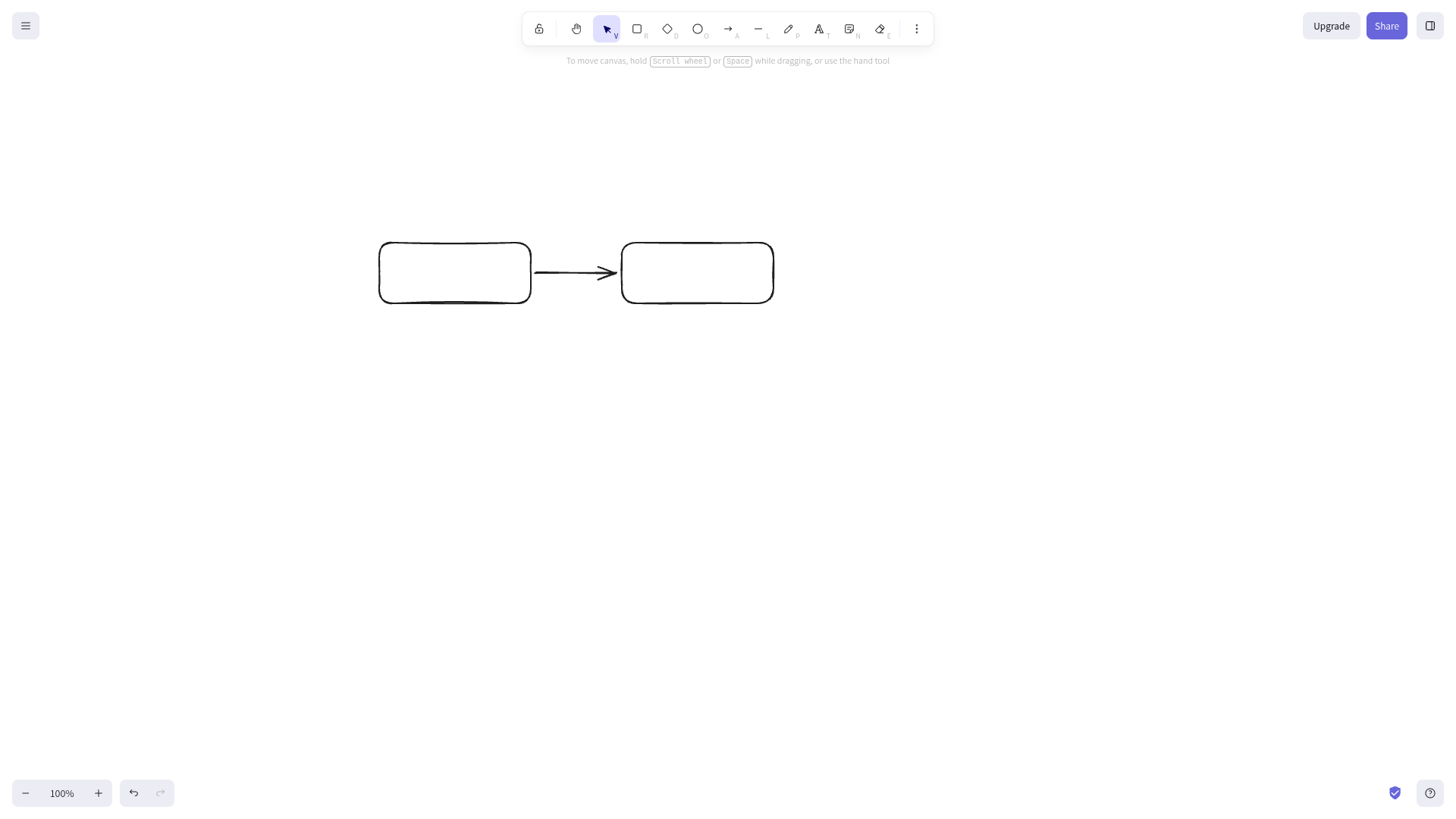
tldraw.com is a freeform infinite canvas that opens instantly with no account. It has no concept of "user flow," which is both the charm and the limitation: you drag rectangles and arrows and it stays out of your way. Sign-in only appears when you want to share or save to the cloud.
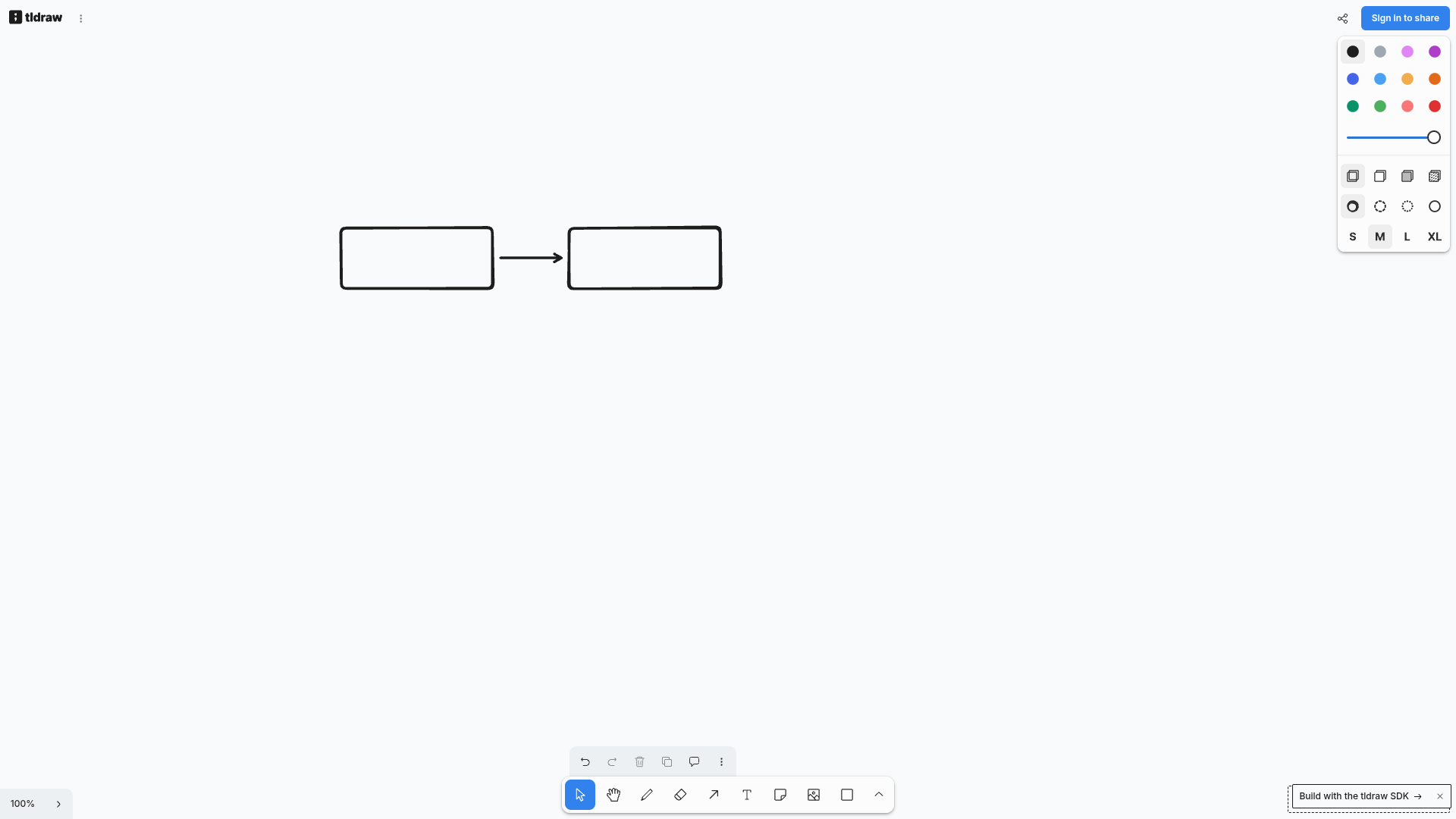
Use it when your flow is simple enough to fit on one screen and you value speed over structure.
Excalidraw
excalidraw.com — same idea, sketch aesthetic. Excalidraw's hand-drawn look makes flows feel approachable in workshops, which matters more than it sounds: a diagram that looks sketchy invites edits, a diagram that looks final invites silence. It's free and anonymous to draw, with upgrade prompts parked politely at the top of the screen.
The freemium ones, and their catches
Eraser: the AI generator that actually works free
Eraser's DiagramGPT surprised us. The pitch on the old SERP listing said generating a user flow diagram "is free, requires no sign-up," which we didn't believe until we did it: type a prompt, answer three clarifying questions, get a clean editable flowchart. No account. (Their old /ai/user-flow-generator URL now 404s, by the way, so half the listicles linking to it are pointing at a dead page.)
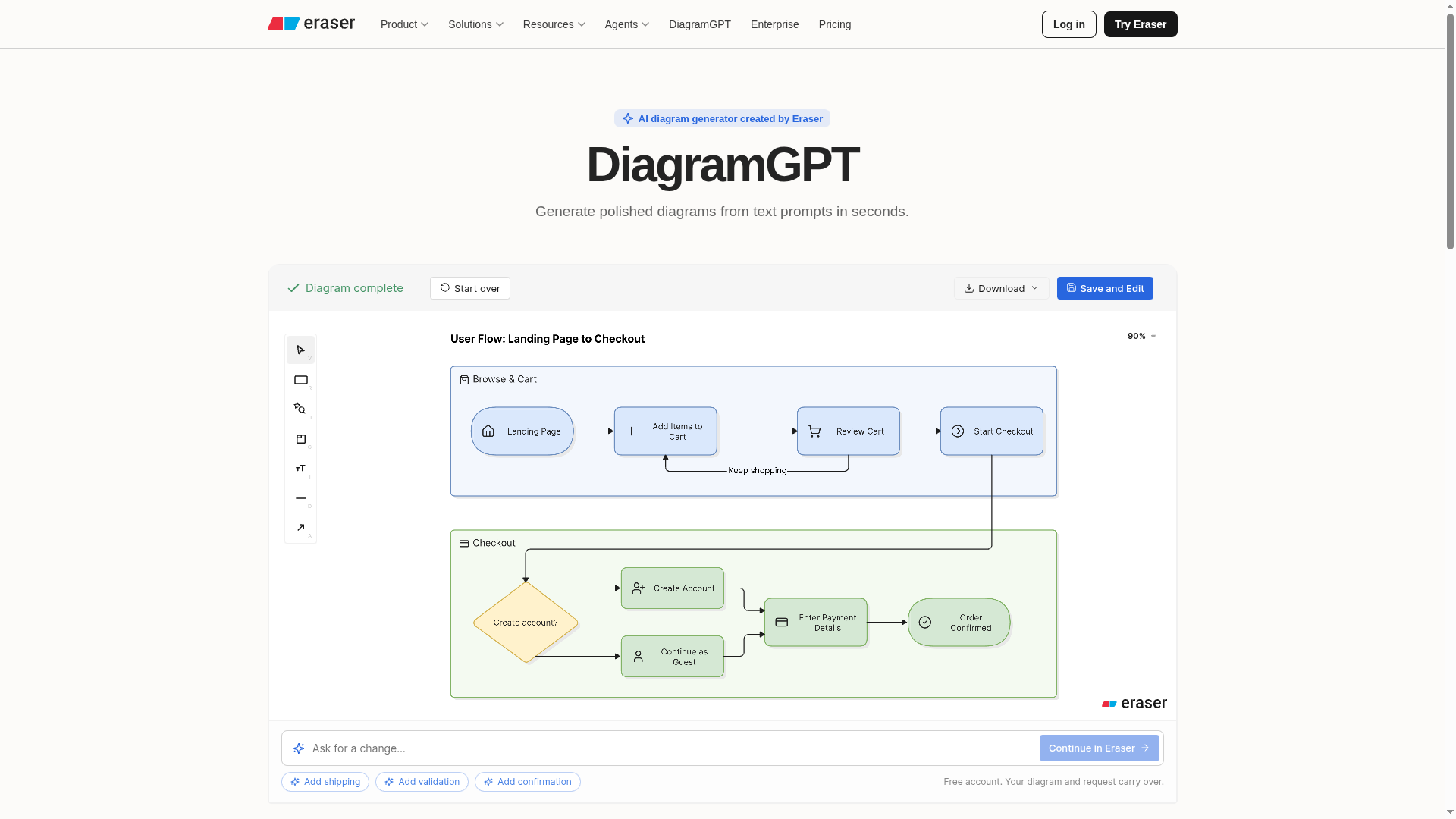
The catch: downloading the result is free, but continuing to edit in Eraser's canvas wants an account. As a "describe my flow and get a first draft" tool, it's genuinely useful.
Miro: three boards and a low-res ceiling
miro.com — and Miro's own pricing page is refreshingly blunt about the free plan: 3 editable boards, unlimited team members, and board exports in "low-res only." No guest role on free, so inviting a client turns them into a member. For a one-off flow, fine. For a team, the wall arrives fast. When people ask for the best free Miro alternative for flows, this page is usually the answer they need: draw.io (diagrams.net) for structure, Excalidraw for workshops, or Wireflow for product flows.

FigJam: free until the boards add up
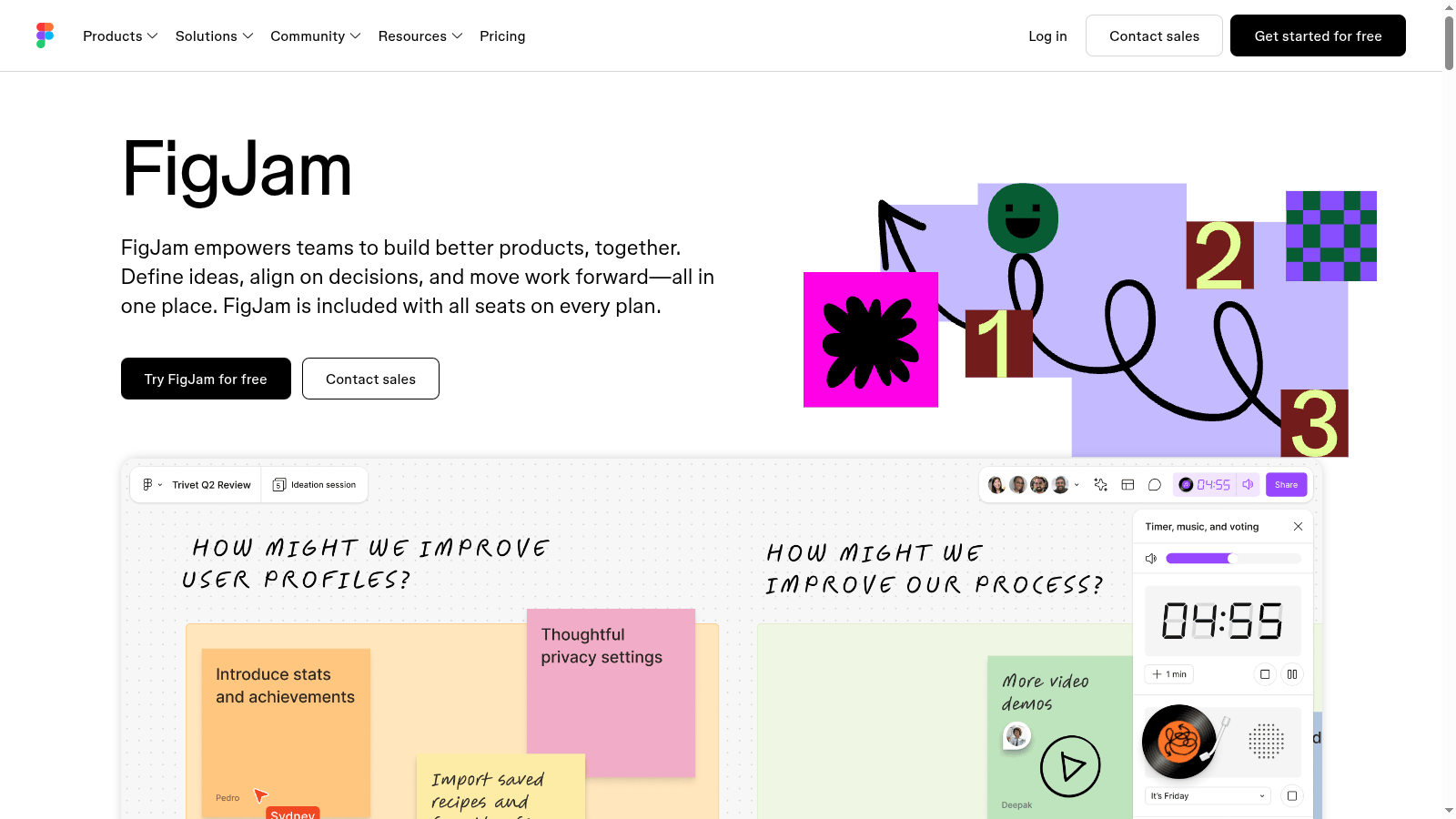
figma.com/figjam. FigJam’s free tier: FigJam is Figma's whiteboard, and the Starter plan includes it for free. The board cap is the catch: real product work accumulates fast, and Figma's paid Professional seat is where the limits lift. If your team already lives in Figma, FigJam is the path of least resistance. One practitioner in a r/UXDesign thread on flow tools uses exactly this combo:
I use FigJam. Tried it yesterday as a developer that has used Figma extensively and loved it, especially the CTRL+Space to add another node to the flow.u/Glass-Run3378 on FigJam, in r/UXDesign
Another thread favorite was the Figma "Flow Chart" plugin for its self-adjusting connectors. The counterpoint, also from that thread, is worth quoting in full because it's the smartest thing anyone has written about Figma and flows:
Anyone recommending Figma for flows is missing some key requirements of working with a flow tool. The main feature missing from Figma that would better suit it being a flow tool is magnet links. The ability to attach an object (line) to another object (box) and have it stay connected when you move them around.u/oddible, r/UXDesign
Lucidchart: the shape limit
Lucidchart's free tier is real but rationed. The same Slickplan video covers it, and the advice lands at 3:48: "if you use the free version, just remember the shape limit." Enough for one small diagram, not for a product's flow library.
Screenshot note: Lucidchart blocks automated browser captures (we tried two sessions and eight routes). Rather than fake one, here are the live pages: lucidchart.com and its pricing page (free tier: 3 documents, 75 shapes each, no credit card).
FlowMapp
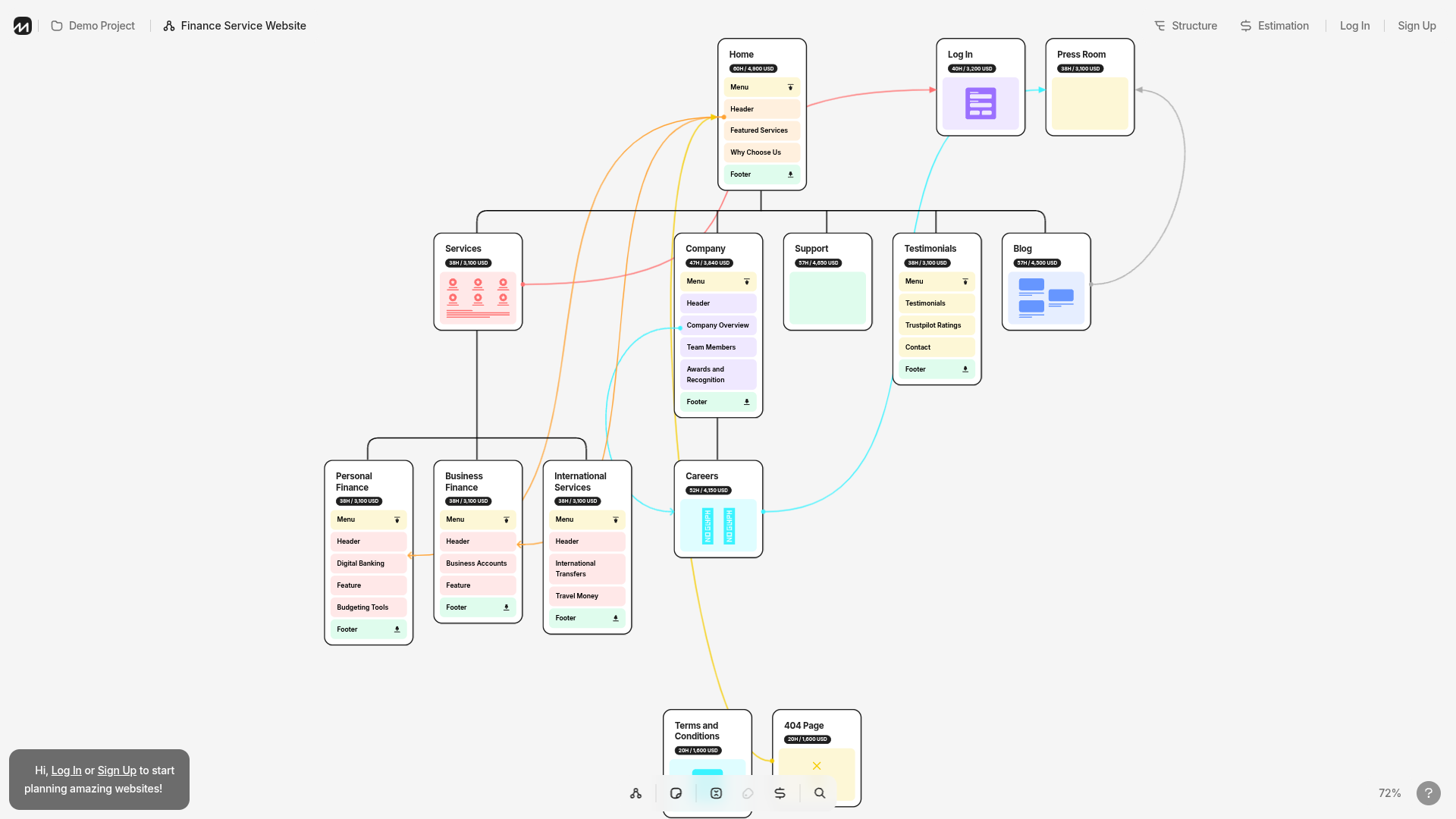
flowmapp.com — FlowMapp markets a "free online app" on page one of this search, but the free tier is gated behind signup and sized like a trial. We didn't create an account, so we'll say only this: there is no free tier we could verify without handing over an email, which by our checklist's standards is not free.
When to graduate to paid
Free tools have honest limits, and there's a moment when paying is correct:
- Your flows need versioning and permissions. Board-level access control is where free tiers get thinnest (Miro's free plan literally has no guest role).
- Flows live next to your real designs. If your team already pays for Figma, adding FigJam costs nothing extra; the seat you already pay covers it.
- You're diagramming systems, not journeys. draw.io's paid competitors (Lucidchart, Visio) earn their price on shape libraries and IT integrations, not on UX flows.
And when the flow is done and needs to become something real, that's the flow-to-build handoff we've written about separately.
Verdict by use case
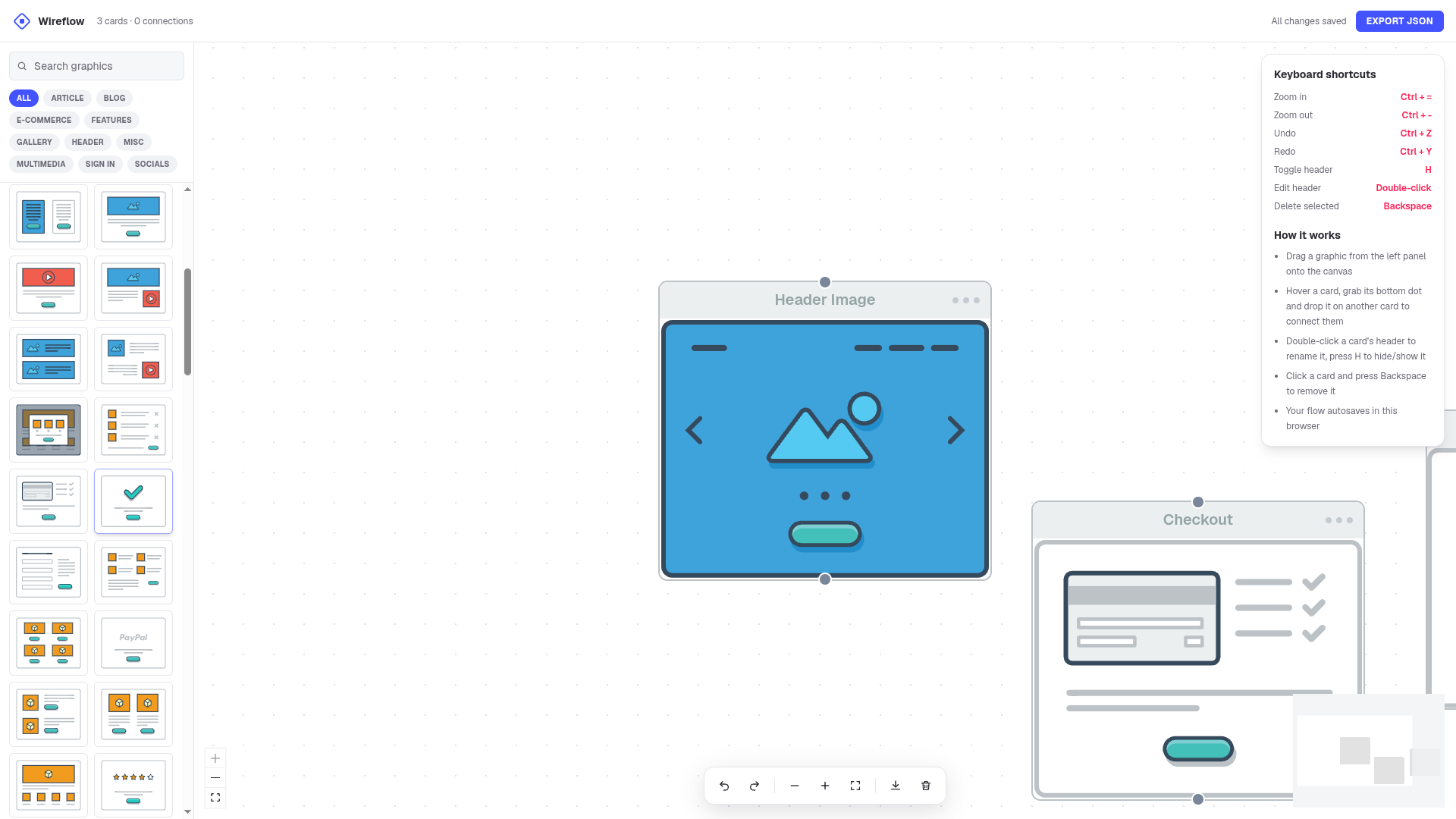
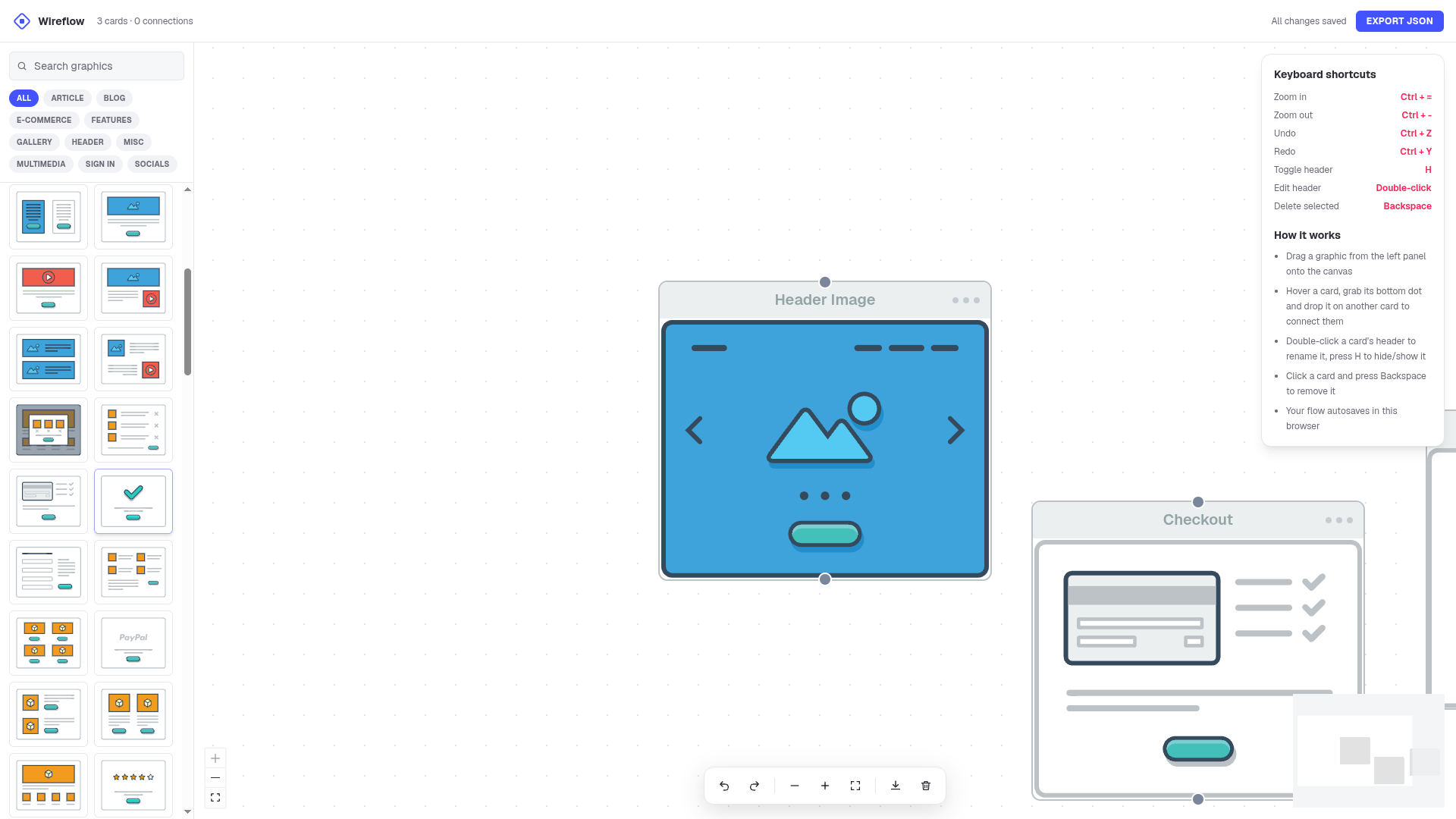
- Product designer mapping a real app flow: Wireflow (disclosure: ours) or draw.io if you want maximum shape control.
- Workshop with a client in the room: Excalidraw for the sketch vibe, FigJam if the client already has Figma.
- Quick solo sketch: tldraw.
- "Just generate it for me": Eraser's DiagramGPT, free without an account, then bring the result somewhere editable.
- Enterprise everything-board: Miro, once someone else is paying.
FAQ
Is Figma free for user flows?
Figma's Starter plan is free and includes FigJam, which is a fine place to draw flows. The limits are on board count, and they arrive once real work accumulates. Dedicated flow tools stay free past that point.
What's the best free Miro alternative for user flows?
For structure: draw.io. For workshops: Excalidraw. For product UI flows specifically: Wireflow. All three have no board limits because they're not board products.
Is draw.io really free?
Yes. It's open source, runs in the browser without an account, and files save locally. Its tradeoffs are the interface and generic styling, not paywalls.
Can AI generate a user flow for free?
Eraser's DiagramGPT does it without an account, verified in October 2026. Expect a first draft that needs editing, not a finished flow.
Whimsical: generous free tier, one catch
whimsical.com is the tool this review under-sold the first time around. The free plan gives you 50 board objects per month across unlimited boards, flowcharts, wireframes and sticky-note docs, with 10 AI credits per member. The catch is that the counter is monthly: a big mapping project can exhaust it in a week, and then you wait for the reset or upgrade.
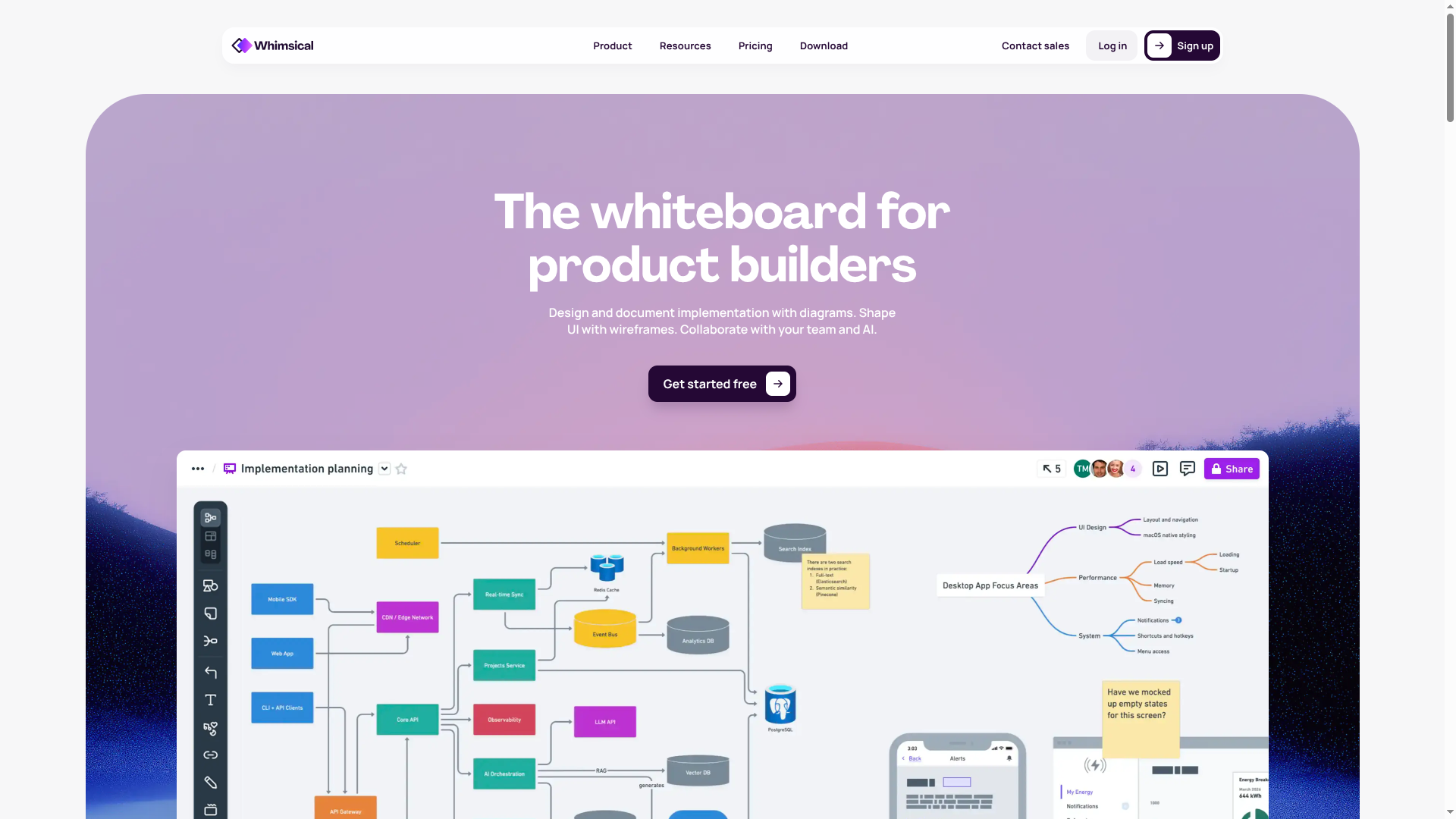
Best for teams that map small-to-medium flows continuously rather than one giant diagram.
Wireframe.cc: no account at all
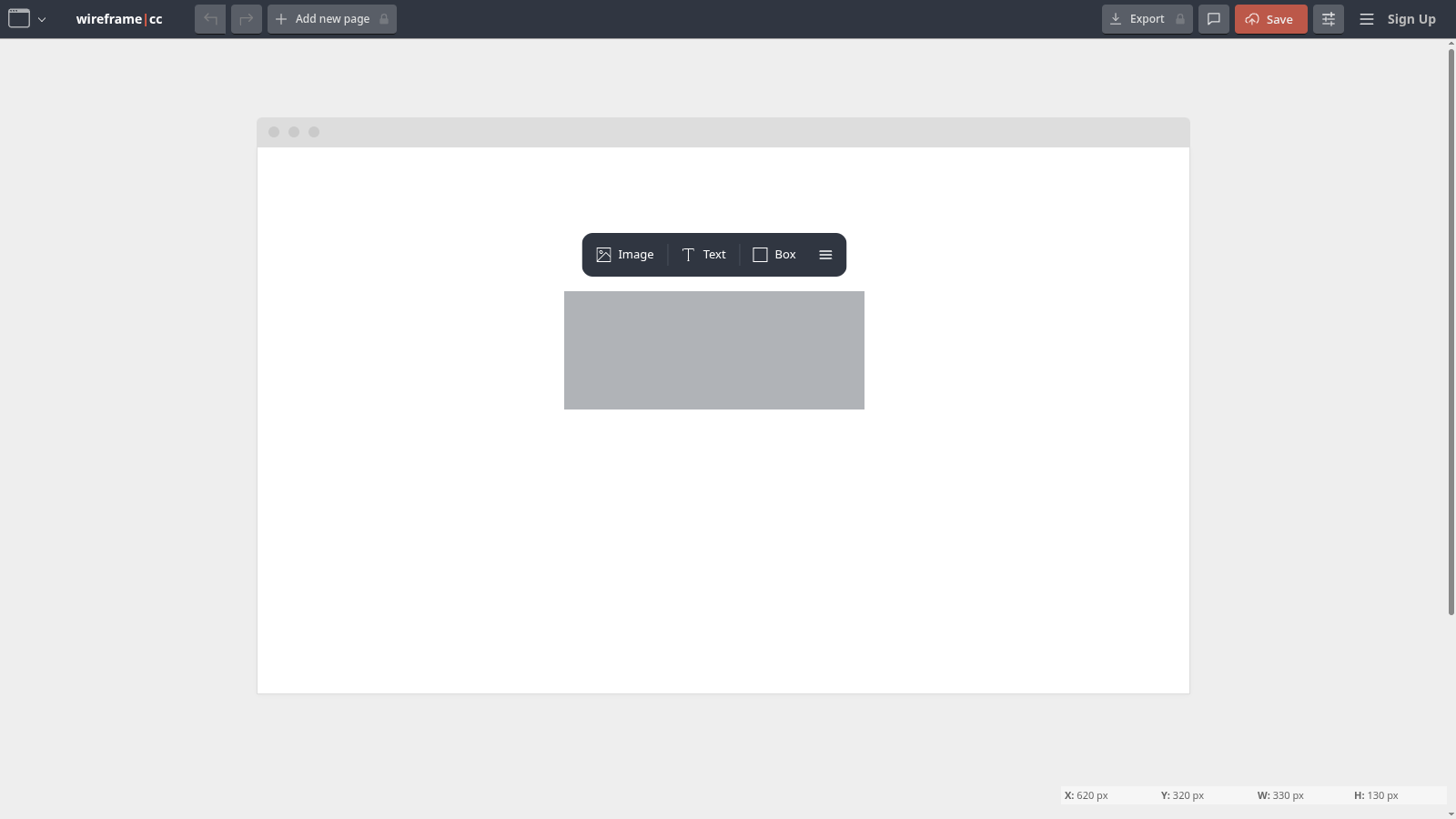
wireframe.cc is the most extreme free tier on this page: there is no account system at all. You open the editor, draw, and export; the paid plan adds private dashboards and multi-page projects. The stencil-picker interface feels dated, but for a two-screen flow sketch it is the fastest start here.
What about QuikFlow and the other tools the Reddit thread recommends?
QuikFlow came up repeatedly in community threads and is worth a look. Whimsical is now covered in full above: the free tier gives 50 board objects per month, which is enough to map a real flow and then some. If a no-code path into design is your actual goal, see our no-code essentials guide.
One last thing
Check the publication date on any listicle about free tools. The 2024 posts ranking this topic are missing Eraser's anonymous AI generation, tldraw's maturity, and half the current pricing walls. "Free" is a moving target, and the only test that counts is opening the tool and drawing something. That's the whole method on this page, and you can repeat it in an afternoon.