
Best AI Video Tools for Business Content in 2026
Discover the best AI video tools for business content in 2026. Learn how platforms like Sora, Veo, and Runway help teams create marketing, training, and social media videos faster, with less cost and effort.

Video content has become one of the strongest ways for businesses to communicate with customers, train employees, and promote products. Yet producing videos often requires cameras, editing software, actors, and hours of work. For many companies, this process is expensive and slow, which limits how often they can publish new content. AI video tools solve this problem by automating large parts of video production. With a simple text prompt or script, these platforms can generate scenes, voice narration, captions, and visual elements within minutes.
Businesses now use AI video generators for marketing campaigns, product demonstrations, social media videos, and training programs. Platforms such as Freepik AI Suite, Google Veo, OpenAI Sora, Runway Gen-4, Synthesia, and InVideo AI are transforming how companies create visual content. These platforms use generative AI models trained on large video datasets to convert text prompts and reference images into video scenes, handling motion, framing, and in some cases, synchronized audio automatically.. In this guide, you will learn how AI video tools work, why companies are adopting them rapidly, and how they support modern content strategies across platforms like YouTube, TikTok, and Instagram.
Understanding AI Video Tools for Business Content
Before choosing the best AI video tool, it is important to understand how these technologies function and why they have become essential for modern marketing and communication strategies. AI video software is built on advanced artificial intelligence systems that analyze text, images, motion patterns, and audio signals to generate video scenes automatically. Businesses use these systems to reduce production time, scale marketing campaigns, and maintain consistent brand communication.
What Are AI Video Tools?
AI video tools are software platforms that use artificial intelligence to create, edit, and automate video production. Instead of recording footage manually, users can generate videos by providing instructions in text form, uploading scripts, or selecting templates. The AI processes these inputs and produces a finished video that may include scenes, animations, background music, voice narration, subtitles, and visual effects.
These tools rely on several technologies working together. Generative artificial intelligence enables the creation of visual scenes based on written prompts. Machine learning models analyze patterns in large video datasets to understand motion and composition. Computer vision helps the system interpret visual elements such as objects, lighting, and movement. Natural language processing allows the software to understand text prompts and scripts provided by users.
Major technology companies are driving innovation in this field. Organizations like OpenAI, Google DeepMind, Adobe, Runway AI, and Luma AI are building advanced video generation models that can produce increasingly realistic outputs. As these models improve, businesses can generate higher-quality videos while reducing production costs and time.
How AI Video Generation Works
AI video creation relies on several processes that convert text instructions into visual scenes. Modern platforms combine generative models, video rendering systems, and automated editing tools to produce videos with minimal manual work.
Text-to-Video Generation
Text-to-video technology allows users to describe a scene using written prompts, and the AI generates a short video clip that matches the description. The system analyzes the text prompt, identifies objects, actions, and environments, and then builds a visual sequence that reflects those instructions.
For example, a prompt like:
“A business professional presenting a product in a modern office with cinematic lighting”
can generate a short promotional video automatically.
Tools such as Google Veo, Kling AI, and OpenAI Sora use advanced diffusion models to simulate realistic lighting, motion, and camera angles, drawing on large datasets of images and video to generate scenes that closely resemble real footage. Freepik AI Suite brings all of these models together in one place, so teams can switch between providers depending on the style or output they need without managing multiple subscriptions.
Text-to-video generation is especially valuable for businesses that need quick marketing visuals or concept demonstrations without organizing traditional video shoots.
AI Avatars and Digital Presenters
Many businesses use AI avatars instead of traditional presenters. Avatar-based video tools generate digital presenters that speak scripts in multiple languages while maintaining natural lip movement and facial expressions. These avatars appear on screen delivering information, making them useful for training videos, onboarding materials, and product explanations.
Platforms such as Synthesia, HeyGen, and Colossyan specialize in avatar video generation. Users simply upload a script, choose an avatar, and select a language or voice style. The system then generates a video where the digital presenter speaks the script naturally.
This technology has several benefits for companies:
- It removes the need for actors or presenters.
- Videos can be translated into multiple languages easily.
- Updates to scripts can be made without re-recording footage.
Large organizations often rely on avatar videos to train employees across different regions because the process is faster and more consistent than traditional training production.
AI Video Editing Automation
In addition to video generation, many AI tools automate the editing process. Editing traditionally requires manual trimming, captioning, and audio synchronization. AI video editors analyze speech and video content to perform these tasks automatically.
Platforms such as Descript, Wondershare Filmora, Freepik AI Suite, VEED, OpusClip, and Capsule include features like speech-to-text editing and automated caption creation. These tools can detect spoken words and convert them into text transcripts. Editors can then modify the video simply by editing the transcript.
AI editing tools also provide:
- automatic scene detection
- highlight extraction for short clips
- subtitle generation for social media videos
- voice enhancement and noise removal
These features help marketing teams convert long recordings, podcasts, or webinars into multiple short-form clips for platforms like YouTube Shorts, TikTok, and Instagram Reels.
Which AI Video Platforms Are Worth Using for Businesses in 2026
AI video technology has improved rapidly, and businesses now use it to produce training material, marketing campaigns, social media content, and even cinematic storytelling. Modern AI tools reduce production costs, speed up editing, and allow teams to create videos without needing cameras, actors, or large production teams.
However, not every AI video tool is suitable for business use. Some platforms focus on creative experimentation, while others provide features designed for marketing teams, corporate training departments, or social media creators. The tools below are selected based on practical business use and real production capabilities.
How Each Platform Performs for Business Use
Before choosing an AI video generator, it is important to evaluate a few key factors that determine whether a tool will work well for business production.
Video Quality: Video quality is one of the most important factors. Businesses require professional visuals, clear motion, and realistic scenes that can represent a brand properly. Low-quality visuals may damage brand credibility, especially in advertising or product demonstrations.
Business Features: A strong AI video tool should support real business workflows. This includes script-to-video generation, branding customization, multilingual support, collaboration tools, and integration with marketing platforms.
Ease of Use: Many companies do not have professional video editors on staff. A good AI tool should allow marketers, trainers, or business owners to produce videos without complex editing skills.
Scalability: Large companies may need to produce dozens or even hundreds of videos every month. The platform should support team collaboration, bulk video generation, and automation workflows.
Pricing: Pricing plays a major role for startups and growing businesses. Some AI video platforms operate on subscription plans, while others charge based on generation credits or video length.
AI Video Tool Comparison Table
*Pricing listed here was taken from each tool’s official website at the time of writing. Please check each tool’s official website for the latest details.
The following platforms stand out as some of the strongest AI video tools businesses can use in 2026.
Freepik AI Suite: Multi-Model Video Generation with Audio and Editing Built In
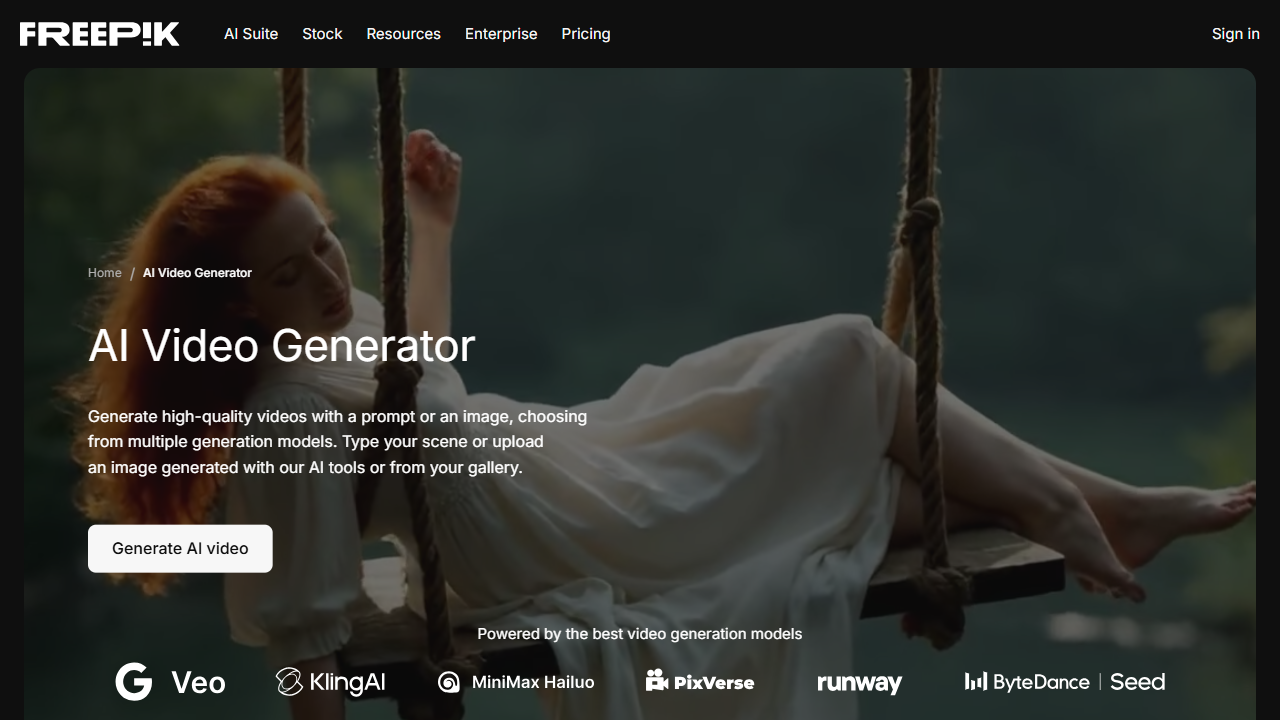
Freepik AI Suite brings together video, audio, and editing tools in one place, accessible from a single account. The AI Video Generator covers models from Kling, Google Veo, OpenAI Sora, Runway, Seedance, MiniMax Hailuo, and more, supporting both text-to-video and image-to-video inputs. Several models generate video with native audio already synced, covering dialogue, sound effects, and ambient sound. The platform also includes a Voice Generator, Voice Cloning, Sound Effects Generator, and AI Music Generator for audio production. On the editing side, the Clip Editor lets you modify scenes with a text prompt, extend clip duration, trim footage, upscale resolution and frame rate, apply Color Looks for instant color grading, stabilize shaky footage, and add lip-sync or sound effects generated from text. Spaces adds a shared canvas for teams to coordinate generation steps and review outputs together.
Plans start at $7.50/month (Essential, billed annually), with Premium at $14.50/month and Premium+ at $33.75/month for higher credit volumes and unlimited generations on selected models. Pro, at $210/month, adds 4,000,000 credits/year and the lowest cost per credit. Business plans with shared workspaces, credits shared across up to 30 seats, and team administration start at $55/seat/month (billed annually, 2-seat minimum).
Pros:
- Access to 10+ video model families from one subscription.
- Multiple models support native audio, including dialogue and sound effects.
- Audio tools, editing suite, and team collaboration included in the same plan.
Cons:
- Credit consumption varies significantly by model and resolution, making costs hard to predict.
- Not designed for avatar-based or script-to-presenter workflows.
Synthesia: Corporate Training Videos Without Cameras or Actors
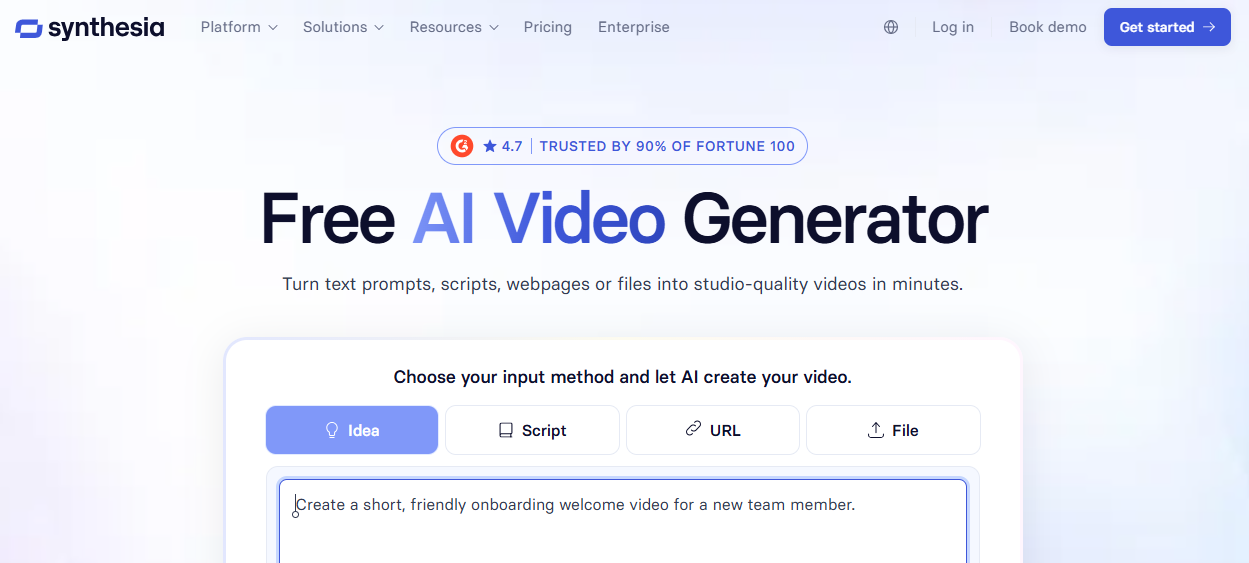
Synthesia is widely used for employee training and corporate communication. The platform allows businesses to create professional videos with AI avatars that speak scripted content in multiple languages. Companies can upload a script, select an avatar, and generate a training or onboarding video within minutes, reducing costs associated with actors, studios, and production teams. Synthesia also supports branded templates, helping organizations maintain a consistent look across all training materials.
Pros:
- Multilingual AI avatars for training content.
- Fast script-to-video creation without actors.
- Consistent branding across internal communications.
- Reduces production costs and time.
Cons:
- Limited cinematic storytelling; not ideal for marketing visuals.
Runway Gen-4: Generative Video for Teams That Need Creative Control
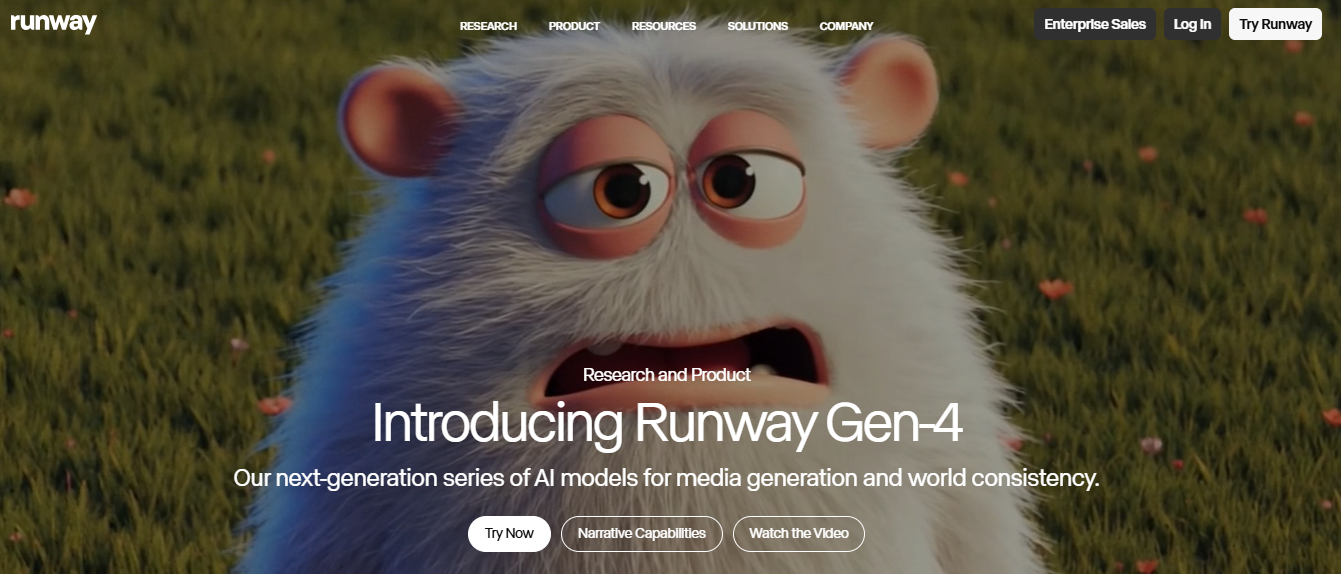
Runway Gen-4 is a generative video platform focused on creative control and multi-scene production. It's also available as one of several models within Freepik AI Suite, which lets users switch between Runway and other generation models from a single interface. It provides motion control, generative editing, and scene manipulation tools, making it ideal for advertisements, product demos, and concept videos. The platform’s AI capabilities enable creative experimentation without real-world filming, allowing teams to produce marketing visuals quickly and efficiently.
Pros:
- Motion control for precise scene guidance.
- Generative editing to modify existing footage.
- Ideal for marketing campaigns and brand storytelling.
- Supports concept videos before full production.
Cons:
- Requires experimentation to achieve high-quality outputs.
- Creative understanding may be needed to maintain consistency.
Google Veo: When Cinematic Realism Is the Priority
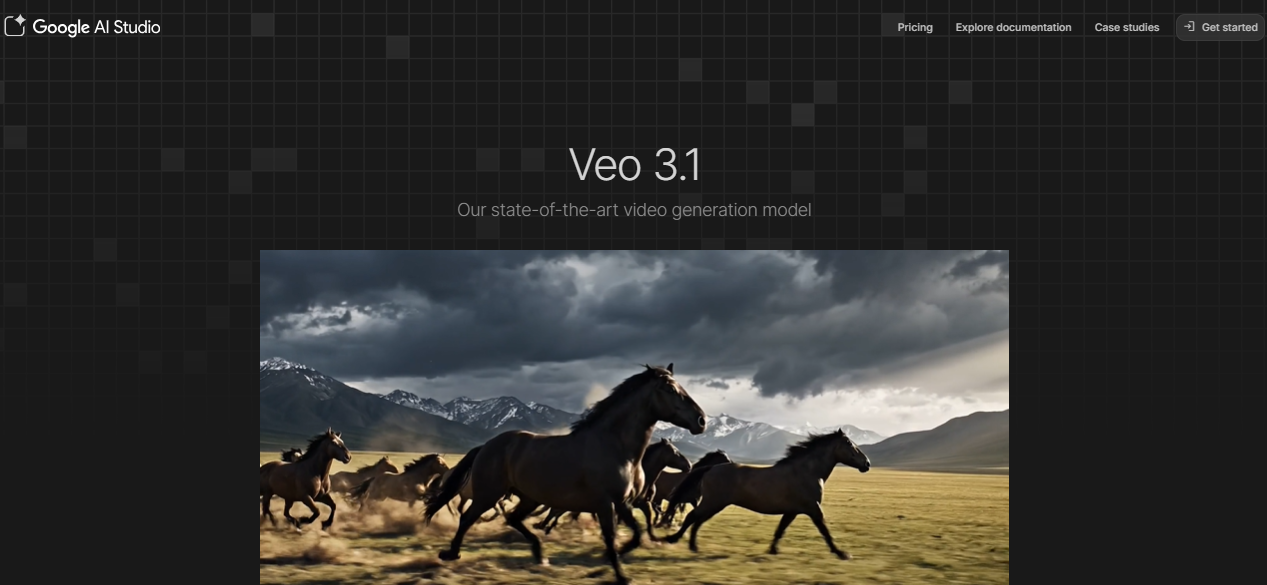
Google Veo is a high-end AI video generation platform that focuses on realism, physics-based motion, and cinematic continuity. It generates highly accurate video sequences from text prompts or reference images. The platform ensures lighting, movement, and scene consistency, making it suitable for professional advertisements, storytelling, and creative production.
Pros:
- Realistic physics and cinematic motion.
- Maintains scene continuity and character consistency.
- Excellent for professional and high-end visual production.
Cons:
- Access is currently limited to selected partners.
- Complex scenes may require detailed prompt engineering.
OpenAI Sora: Building Narrative Sequences That Hold Together
OpenAI Sora excels at producing story-driven videos with multiple actions occurring naturally within a scene. It can maintain logical continuity, generate longer sequences, and support creative or concept-based marketing campaigns. Sora is ideal for businesses that need narrative-driven content or cinematic storytelling, offering more control over scene interactions than many short-clip AI tools.
Pros:
- Generates complex, story-driven scenes.
- Maintains logical relationships between objects and actions.
- Suitable for creative, cinematic content.
Cons:
- Limited public availability.
- May require iterative prompts to refine outputs.
InVideo AI: Fast Video Production for High-Volume Marketing
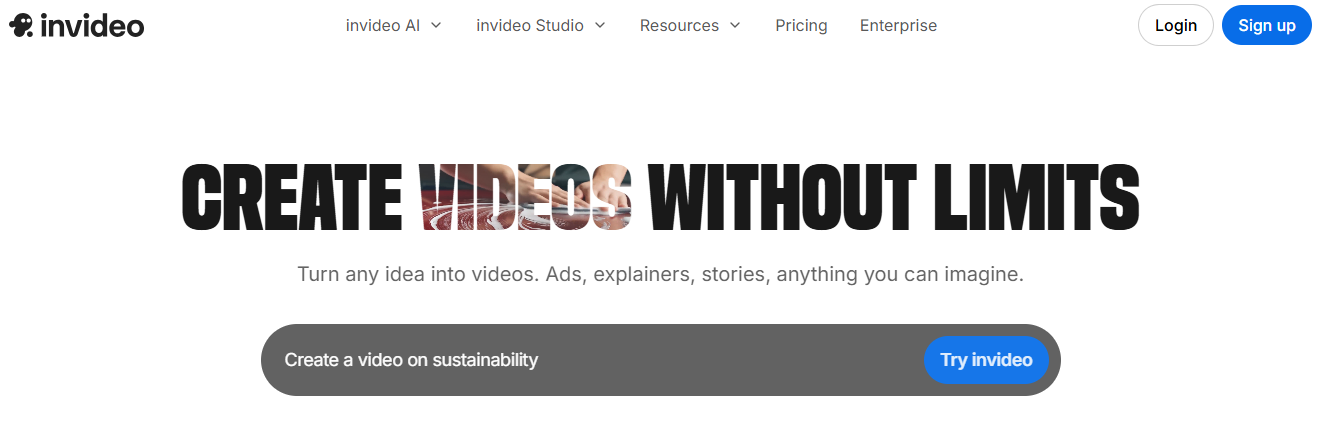
InVideo AI focuses strongly on marketing automation and fast video creation for businesses that publish content regularly. The platform allows users to convert scripts, blog ideas, or marketing prompts into complete videos with voiceovers, visuals, and transitions. This automation makes it especially useful for teams producing YouTube content or marketing videos at scale.
Pros:
- Fast script-to-video creation.
- Large template library with stock media.
- Supports automated voiceovers and transitions.
- Useful for teams producing high-volume content.
Cons:
- Less cinematic flexibility compared to advanced generative platforms.
- Limited control for highly creative or custom visuals.
Pictory: From Blog Post to Video Without Starting from Scratch
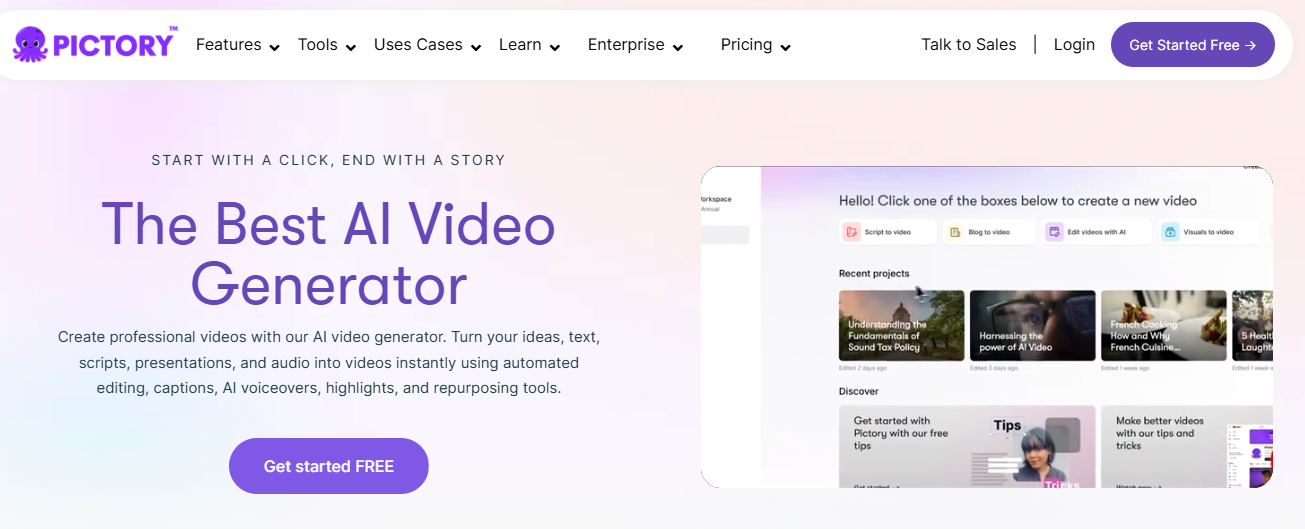
Pictory is designed for repurposing written content into videos. It automatically extracts key points from articles, blogs, or newsletters and generates short videos with visuals, captions, and voiceovers. This tool is perfect for small marketing teams looking to expand content reach across social media without creating videos from scratch.
Pros:
- Converts text content into video quickly.
- Automated captions and scene suggestions.
- Great for repurposing blogs and articles.
Cons:
- Limited creative styling and customization options.
- Best suited for content repurposing rather than original video production.
VEED: Caption, Edit, and Format Videos for Social Platforms
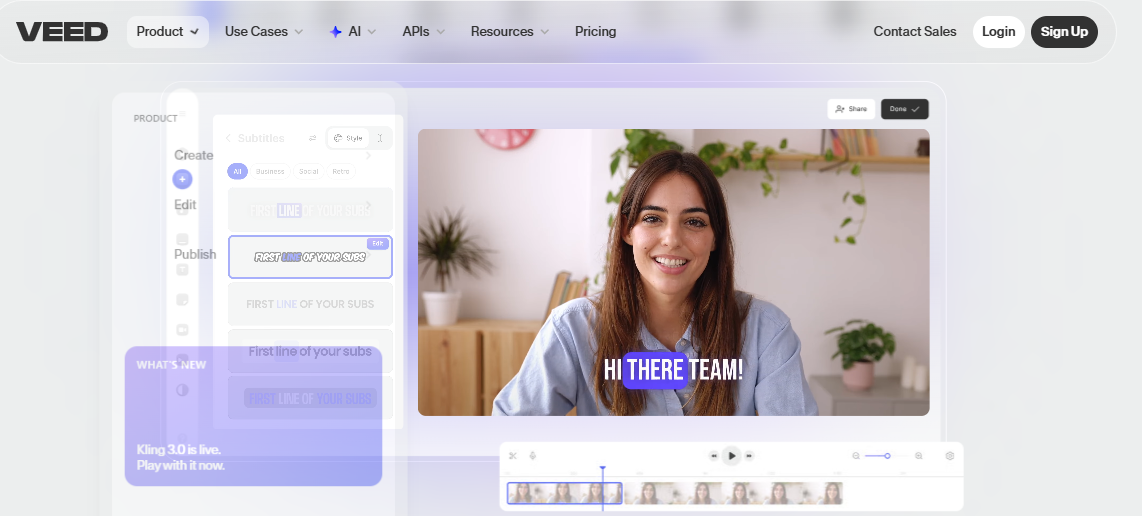
VEED focuses on editing and optimizing videos for social media platforms. Instead of generating videos entirely from scratch, it helps creators edit existing clips faster using AI-powered tools. One of the most useful features is automatic caption generation. Since many viewers watch videos without audio on social platforms, captions significantly increase engagement.
Pros:
- Automatic caption generation.
- Quick editing and background cleanup tools.
- Team collaboration for short-form content.
Cons:
- Focuses on editing rather than creating videos from scratch.
- Output quality depends on initial footage.
Luma Dream Machine: Short Clips with High Visual Fidelity

Luma Dream Machine specializes in producing highly realistic visuals with detailed textures and smooth motion. It is most useful for short creative clips, concept videos, and experimental visual storytelling. While not ideal for long videos, it offers unmatched quality for short sequences and marketing experiments.
Pros:
- Realistic lighting, textures, and motion.
- Excellent for creative storytelling and short campaigns.
- High-quality output for cinematic experiments.
Cons:
- Best suited for short clips, not full-length productions.
- Longer videos require traditional editing software integration.
Why Businesses Are Adopting AI Video Tools
Video is now essential for marketing, education, and communication. Traditional production takes time, tools, and people. AI removes most of that. Teams can create videos faster, publish more often, and spend less.
Video Marketing at Scale
Brands need constant content across YouTube, TikTok, and Instagram. That’s hard for small teams. AI tools turn scripts or blog posts into videos in minutes. Teams can create multiple versions for different audiences and campaigns without extra effort.
Faster Production
What used to take days now takes hours. Upload text and get script, visuals, voice, and captions. This speed helps teams react quickly to trends, launches, and campaigns.
Lower Costs
No cameras, studios, or large teams needed. Most of the work happens inside the tool. Some teams still refine videos in tools like Premiere Pro, but the base cost stays low.
How Businesses Should Choose the Right AI Video Tool
AI video tools are powerful, but selecting the right platform depends on the specific needs of a business. Some companies need training videos for employees, while others require marketing content, social media clips, or high-quality cinematic visuals. Understanding the purpose of your videos helps narrow down the best AI tool for your workflow.
Many businesses make the mistake of choosing a platform based only on popularity. Instead, it is better to evaluate how well the tool fits your production needs, team size, and long-term content strategy.
1. Define the Main Purpose of Your Videos
Start by identifying the type of video you need most. Different tools serve different goals. Training content benefits from AI avatars and voice narration. Marketing teams need tools for ads, product demos, and visuals. Social media teams focus on editing, captions, and templates for high-volume short videos.
A simple comparison helps clarify the decision:
When the goal is clear, choosing the right platform becomes much easier.
2. Consider Ease of Use for Your Team
Many teams don’t have professional editors, so ease of use matters. Tools with simple interfaces, templates, and automated workflows help create videos quickly without a steep learning curve. Features like prompt-based generation, drag-and-drop editing, and automatic voiceovers speed things up. If a tool requires complex setup or technical skills, it can slow down production.
3. Evaluate Scalability for Business Growth
As companies grow, their video needs increase from a few per month to dozens or more. Scalable tools support team collaboration with shared workspaces, templates, and project management. It’s also important to check for batch creation, automation, and integrations with marketing tools.
4. Review Pricing and Cost Efficiency
AI video tools use different pricing models, often based on subscriptions or credits. Costs can increase with video length, resolution, or usage. Subscription plans usually include monthly limits, while credit-based systems offer flexibility but can get expensive at scale. Estimate your monthly needs and compare them with pricing limits before choosing a tool.
5. Consider Video Quality and Brand Presentation
Video quality directly affects how audiences perceive a brand. Low-quality visuals or inconsistent design can reduce viewer trust. Businesses should test AI video platforms before committing to a long-term plan. Many tools offer free trials or demo versions that allow teams to generate sample videos.
Key elements to evaluate include:
- visual clarity
- motion smoothness
- voice quality
- scene consistency
- branding customization
Testing these elements ensures the platform can represent the company professionally.
Frequently Asked Questions (FAQs)
What is the best AI video generator for businesses?
The best AI video generator depends on your goal. Platforms like Freepik AI Suite give marketing teams access to multiple video generation models: Kling, Veo, Sora, Runway, and others, from one interface, covering both text-to-video and image-to-video workflows. Avatar-focused tools like Synthesia work better for training and internal communications, while pure generative platforms like Sora are better suited to narrative or cinematic production.
Can AI video tools replace traditional video production?
AI tools can handle many types of content such as training videos, social media clips, and marketing visuals. However, high-budget films and large commercial productions may still require traditional filmmaking techniques.
Are AI videos expensive to create?
Many AI platforms are cheaper than traditional production because they remove the need for cameras, actors, and large editing teams. Subscription plans usually make costs predictable for businesses.
Can AI create videos from text?
Yes. Many AI tools allow users to enter a script or prompt, and the system automatically generates visuals, voice narration, and scene transitions.
Are AI videos good for marketing?
AI videos work very well for marketing. Businesses use them for product promotions, advertising campaigns, social media content, and educational videos.
Conclusion
AI video tools make consistent content possible without big budgets or teams.
The real advantage is speed and volume.
Different tools solve different problems.
Pick based on your goal, not popularity.
For most business use cases today, AI video is already good enough to be the default choice.