
Best AI Tools for Graphic Design in 2026: Tested Platforms
A practical guide to the best AI tools for graphic design in 2026. Compare platforms like Freepik, Midjourney, Canva, and Firefly to find the right tool for your workflow.

A few years ago, generating a photorealistic product image or a consistent illustrated character took hours in Photoshop. Today, several platforms can do it in under a minute, but with very different results depending on the tool. Many designers, marketers, and business owners now use AI tools to generate images, create brand assets, build marketing graphics, and speed up their design workflow. However, the biggest challenge is choosing the right AI tool. With dozens of platforms available, such as Freepik AI Suite, Midjourney, Adobe Firefly, Canva AI, and Kittl, it can be difficult to know which tools actually produce high-quality results.
This guide solves that problem. It reviews the best AI tools for graphic design in 2026, explains how they work, compares their features, and shows how designers use them in real projects. Instead of relying on marketing claims, the evaluation focuses on practical factors like design quality, ease of use, pricing, creative control, and workflow compatibility. By the end of this guide, you will understand which AI design tools fit different needs, from beginners creating social media graphics to professional designers building full brand identities.
The Evolution of AI in Graphic Design
Graphic design used to rely completely on manual work inside tools such as Photoshop and Illustrator. Designers created layouts, edited images, and adjusted colors step by step. While these tools are still essential, AI has added a new layer of automation that speeds up many creative tasks.
Today’s AI design tools use machine learning models and diffusion engines to generate images, layouts, and design concepts from text prompts. Platforms such as Freepik, Midjourney, and Stable Diffusion can produce illustrations in seconds, while tools like Canva AI automatically generate social media graphics or presentation slides.
Several major technology companies have invested heavily in AI design systems:
Industry reports also show growing adoption. Creative teams increasingly use AI tools to accelerate visual content production. Adobe surveys highlight how marketers and designers rely on AI to produce graphics for social media, advertising, and brand campaigns.
AI does not replace designers. Instead, it acts as a creative assistant that speeds up idea generation, image creation, and layout experimentation.
What Makes a Great AI Graphic Design Tool in 2026
Not every AI design tool delivers the same quality. Some platforms generate impressive artwork but offer little editing control, while others integrate deeply into professional workflows. To identify the best AI tools for graphic design in 2026, several evaluation factors should be considered.
1. Image Generation Quality
The most important factor is the visual quality of AI-generated images. Strong tools create detailed, realistic, or stylistically accurate graphics that require minimal correction. High-performing AI models include:
- Freepik AI Image Generator
- DALL-E 3
- Stable Diffusion
- Flux 1.1 Pro
- Ideogram models
- Qwen-Image-2.0
These engines power many popular design platforms.
2. Editing and Customization Control
Professional designers need flexibility. Good AI tools allow users to:
- Edit generated images
- Adjust composition
- Change colors and styles
- Refine prompts
- Modify typography
Without these options, designers often need to recreate graphics manually.
3. Vector and SVG Export
Vector graphics are essential for logos, illustrations, and scalable design assets. Tools that support native SVG export or vector output are valuable for professional workflows.
Examples include:
- Recraft
- Adobe Firefly
- Kittl
4. Branding and Marketing Features
Many businesses use AI to create brand assets quickly. Useful branding features include:
- Logo generators
- Brand kits
- Template systems
- Social media design automation
Platforms like Canva AI, Freepik AI Suite and Designs.ai focus heavily on these capabilities.
5. Ease of Use
Some AI tools are built for experienced designers, while others are beginner-friendly. A good platform should balance powerful capabilities with a clear interface.
For example:
- Canva is beginner-friendly
- Midjourney requires prompt experience
- Uizard simplifies UI design
6. Commercial Usage Rights
Designers often use AI-generated images in commercial projects. Platforms must clearly define:
- Licensing rules
- Copyright terms
- Usage permissions
Tools connected to established companies like Adobe often provide stronger licensing clarity.
7. Pricing and Accessibility
AI design tools range from free applications to premium creative platforms. Pricing usually depends on:
- Number of generated images
- Advanced editing tools
- Commercial features
- Cloud storage
Understanding these factors helps designers select tools that match their budget and workflow.
Quick Comparison of the Best AI Tools for Graphic Design in 2026
Before reviewing each tool in detail, the table below provides a quick overview of the most popular platforms.
This comparison highlights how different tools specialize in different areas. Some platforms focus on image generation, while others prioritize branding, UI design, or marketing graphics.
Best AI Tools for Graphic Design in 2026
The AI design tools listed below represent some of the most useful platforms available to designers in 2026. Each tool supports different creative workflows. Some focus on image generation, while others specialize in branding, interface design, or automated graphics for marketing.
Instead of choosing tools based only on popularity, it is important to understand how each platform works in real design scenarios. The following reviews explain the main capabilities, strengths, limitations, and the type of designer who benefits most from each tool.
1. Freepik AI – All-in-One Platform for Graphic Designers
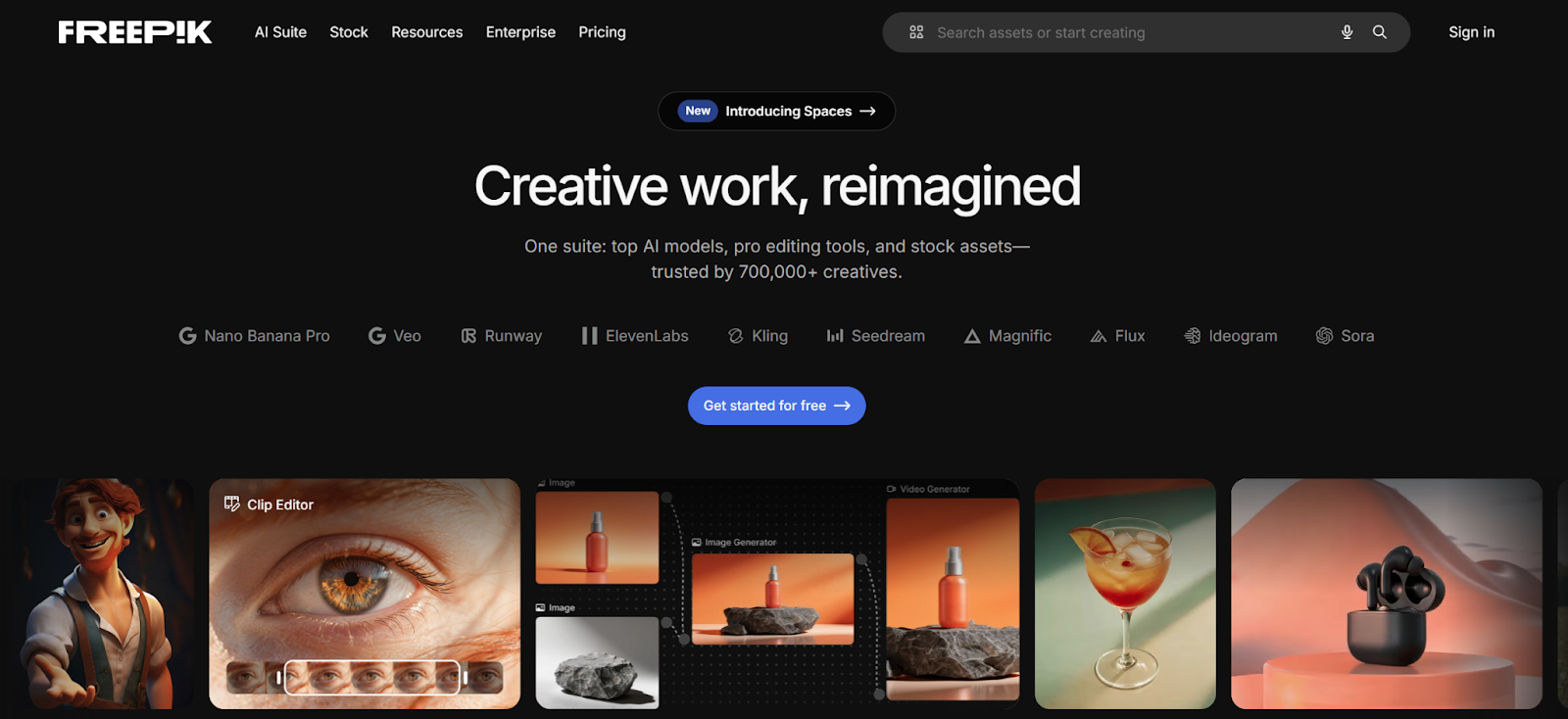
Freepik AI Suite gives graphic designers access to image generation, video, audio, and editing tools without having to juggle multiple platforms. The Image Generator covers a wide range of models (Google Imagen, Nano Banana, Seedream, Flux, Runway, Recraft) each suited to different design outputs: photorealistic product shots, typographic compositions, character-based illustrations, or quick concept drafts. You can also train AI styles, characters, and products to keep a consistent visual identity across assets. The Video Generator supports text-to-video and image-to-video work across multiple models, including Google Veo, Kling and Seedance, covering different durations and styles. The editing side handles background removal, upscaling, retouching, and image extender, and a Clip Editor for video with tools like video upscaling via Topaz and Magnific, video extension, lip sync, and more. For teams, Spaces provides a collaborative canvas to chain generation and editing steps in real time without switching tools.
Pros:
- Multiple image, video, and editing tools selectable per task, all in one interface
- Train AI styles, characters, and products for consistent branded visuals
- Spaces lets teams collaborate in real time on a shared canvas, chaining generation and editing steps without switching tools
Cons:
- Credit consumption varies significantly by model
- Generation times depend on model and platform load
2. Midjourney – High-quality AI art for concept and creative work
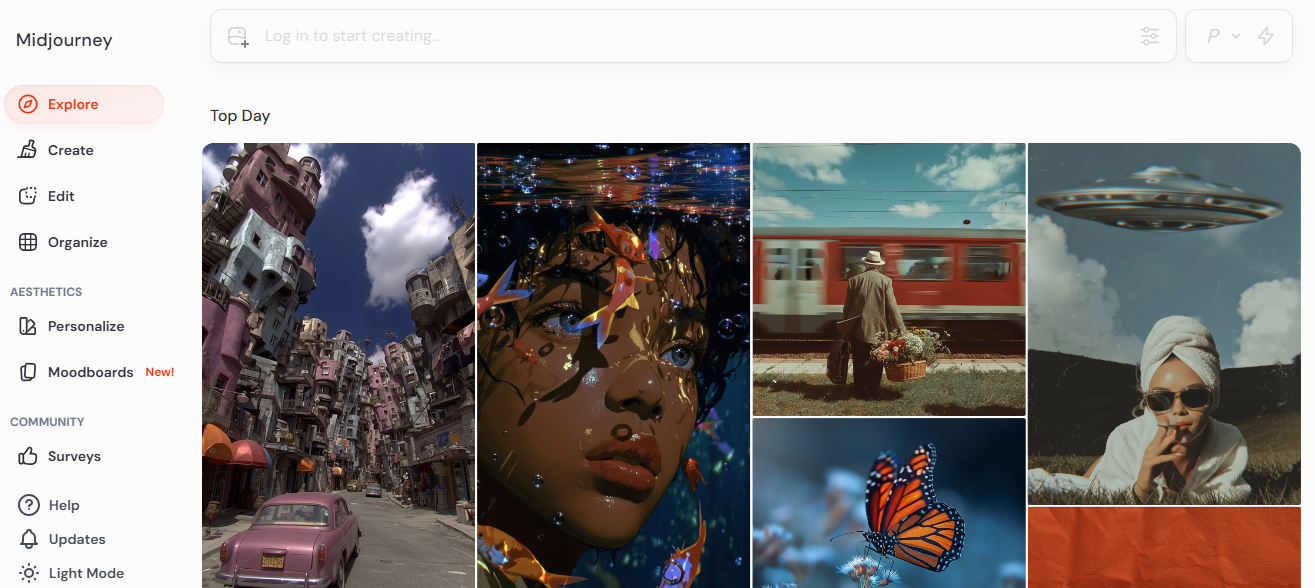
Midjourney is widely recognized for producing high-quality, AI-generated artwork that appeals to designers needing concept art, digital illustrations, or visual experiments. The platform uses advanced diffusion models to transform textual prompts into detailed images with varied lighting, textures, and stylistic interpretations. Designers often rely on Midjourney for brainstorming ideas before refining outputs in software like Photoshop or Illustrator. While the platform excels at generating visually rich and creative content, it focuses primarily on image generation rather than editing, so designers typically export images for final touches in external programs.
Pros:
- Generates highly creative, cinematic, and visually striking images.
- Supports multiple stylistic and mood variations for concept exploration.
- Fast generation for brainstorming and ideation purposes.
Cons:
- Limited in-built editing capabilities; requires external software for adjustments.
- Slight learning curve for precise prompt-based outputs.
3. Adobe Firefly – AI image generation built into the Creative Cloud
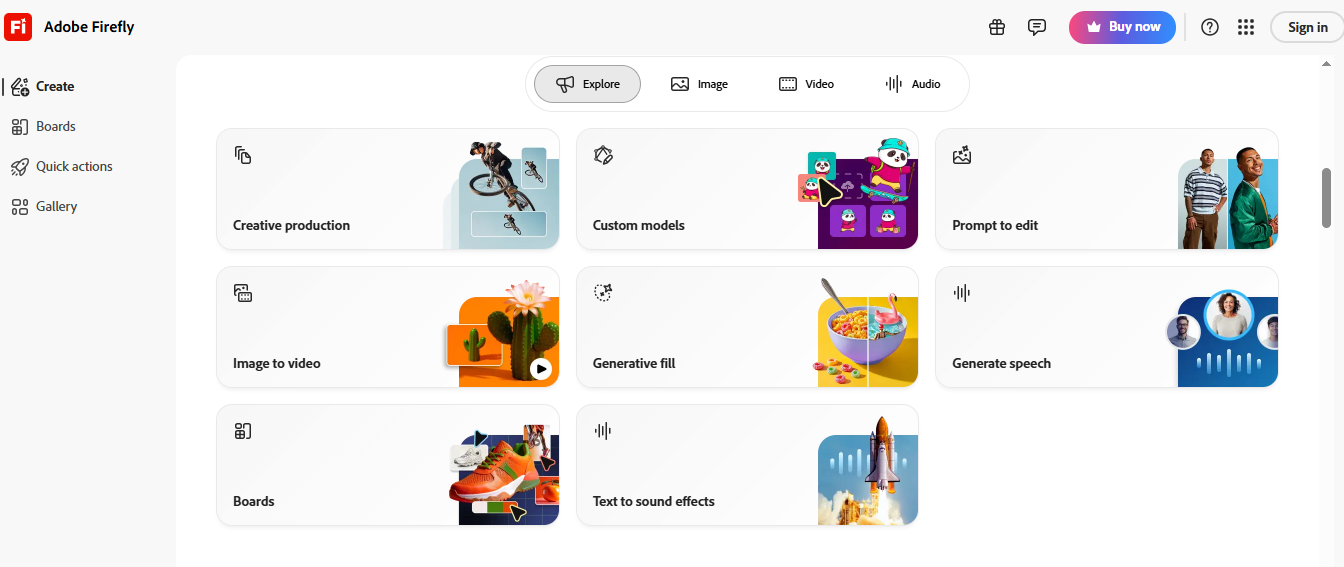
Adobe Firefly integrates directly with Adobe Creative Cloud applications like Photoshop, Illustrator, and Adobe Express, allowing seamless image generation, editing, and refinement. Its Generative Fill feature lets designers add, remove, or modify elements in an image using text prompts while maintaining lighting, perspective, and composition consistency. Adobe’s training on licensed and public domain content ensures generated visuals are commercially safe, which is ideal for small businesses producing professional marketing content. Firefly works best for teams already familiar with Adobe tools who want a smooth workflow between AI generation and traditional design software.
Pros:
- Produces high-quality, commercial-safe images.
- Integrates seamlessly with Adobe Creative Cloud workflows.
- Advanced editing features for composition, lighting, and style.
Cons:
- Subscription-based, requiring Adobe Creative Cloud access.
- Best suited for users already accustomed to Adobe tools.
4. Canva AI – Template-driven design for non-designers
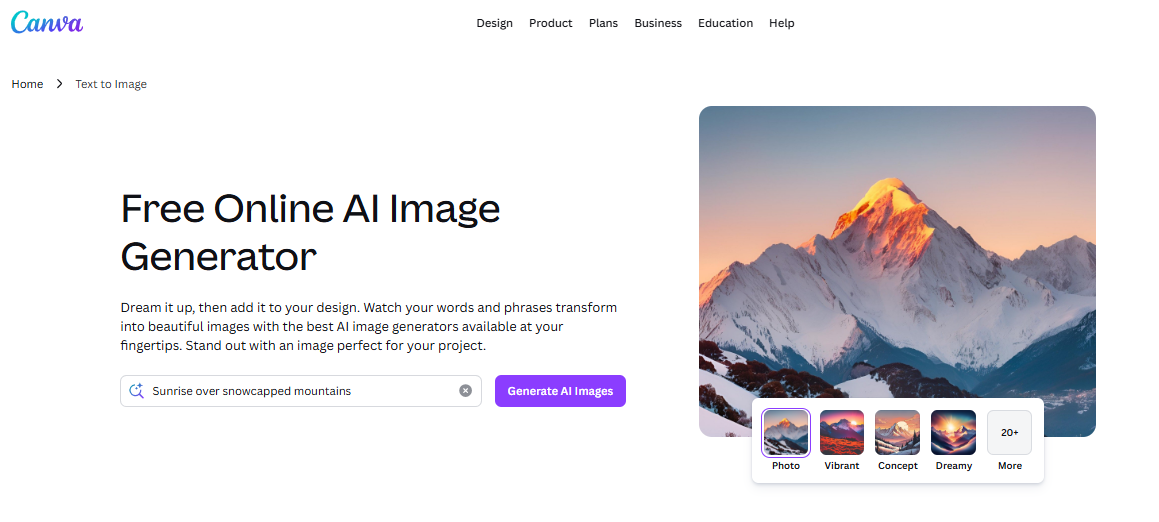
Canva AI enables users to create visual content quickly, even without design experience. Its features, like Magic Design and Magic Edit, allow users to generate layouts, adjust elements, and modify visuals in seconds. Combined with Canva’s extensive template library, small businesses can produce social media posts, presentations, advertisements, and marketing graphics efficiently. Canva is ideal for small teams needing polished visuals fast, although it may lack advanced editing and creative flexibility for detailed professional designs.
Pros:
- Extremely user-friendly and accessible for beginners.
- Template-driven design simplifies visual creation.
- Quick edits and integrated AI tools for fast results.
Cons:
- Limited creative control compared to dedicated AI art generators.
- Not suitable for highly specialized or experimental visuals.
5. Ideogram – AI image generation with accurate text rendering
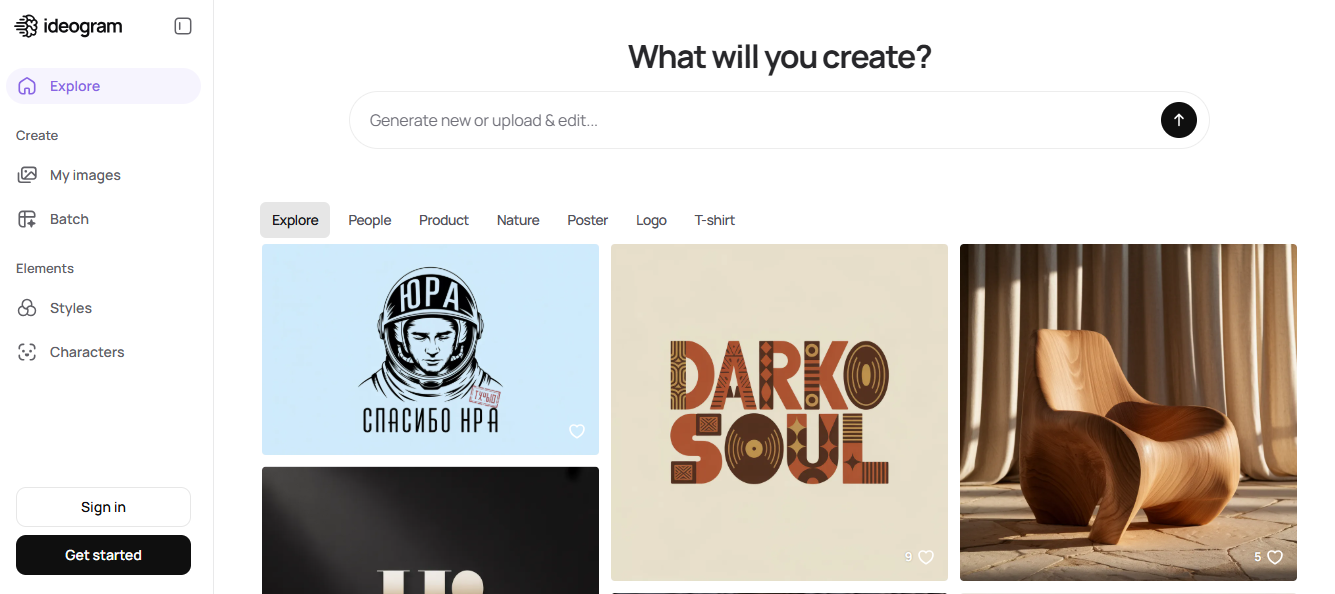
Ideogram specializes in generating images that include legible and correctly formatted text. This is particularly useful for infographics, product labels, posters, and marketing visuals where clear messaging is critical. Designers can experiment with typography, color schemes, and composition styles to produce visually appealing graphics that align with a brand’s voice. Ideogram solves a common problem many AI generators face: maintaining readability and style consistency in text-based visuals.
Pros:
- Accurate text placement within visuals.
- Supports infographics, labels, and social media graphics.
- Fast exploration of multiple visual concepts.
Cons:
- Less suited for fully artistic or highly creative image generation.
- Some advanced design elements require external tools for refinement.
6. Kittl – Typography-first design for logos and merchandise
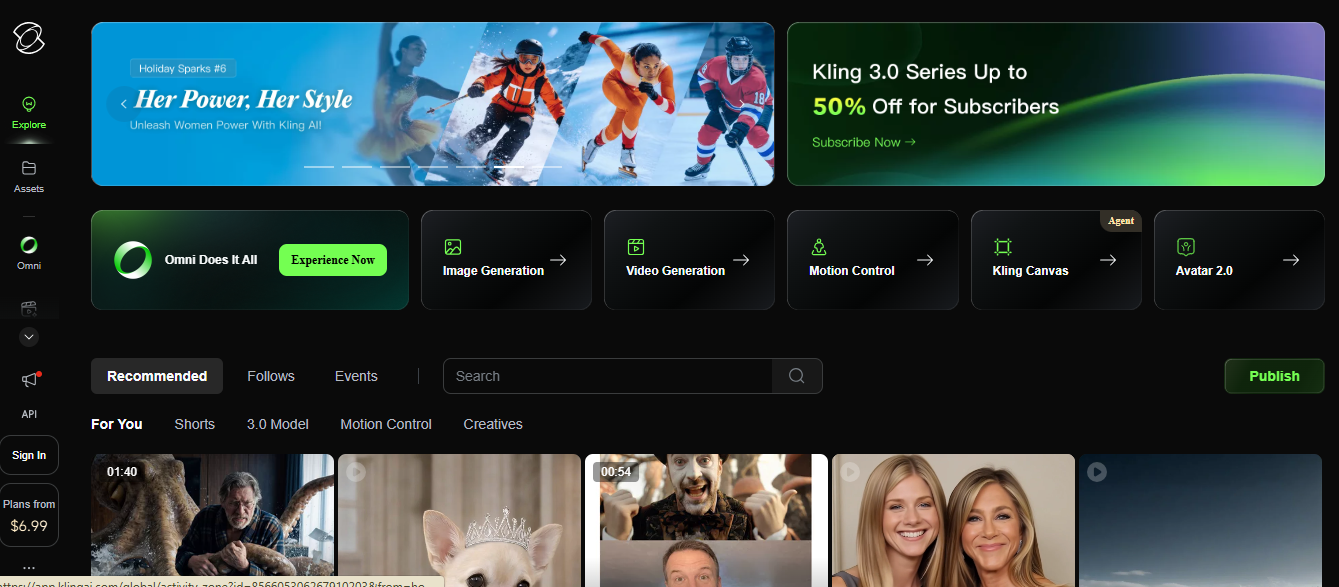
Kittl is tailored for designers focusing on logos, merchandise graphics, and marketing materials that rely heavily on typography. Its AI tools generate complex illustrations and stylized text designs quickly. Additionally, its mockup features let designers visualize designs on products like apparel, posters, or packaging, making it ideal for print-on-demand and branding projects. Kittl combines AI generation with structured design tools but is less focused on freeform creative artwork compared to platforms like Midjourney.
Pros:
- Excellent for logos, branding, and typography-driven visuals.
- Mockup tools allow realistic visualization on products.
- Streamlines workflow for marketing materials and merchandise.
Cons:
- Limited capabilities for pure creative art generation.
- Subscription-based, which may not suit all small businesses.
7. Leonardo AI – Stylistically consistent image generation for creative teams
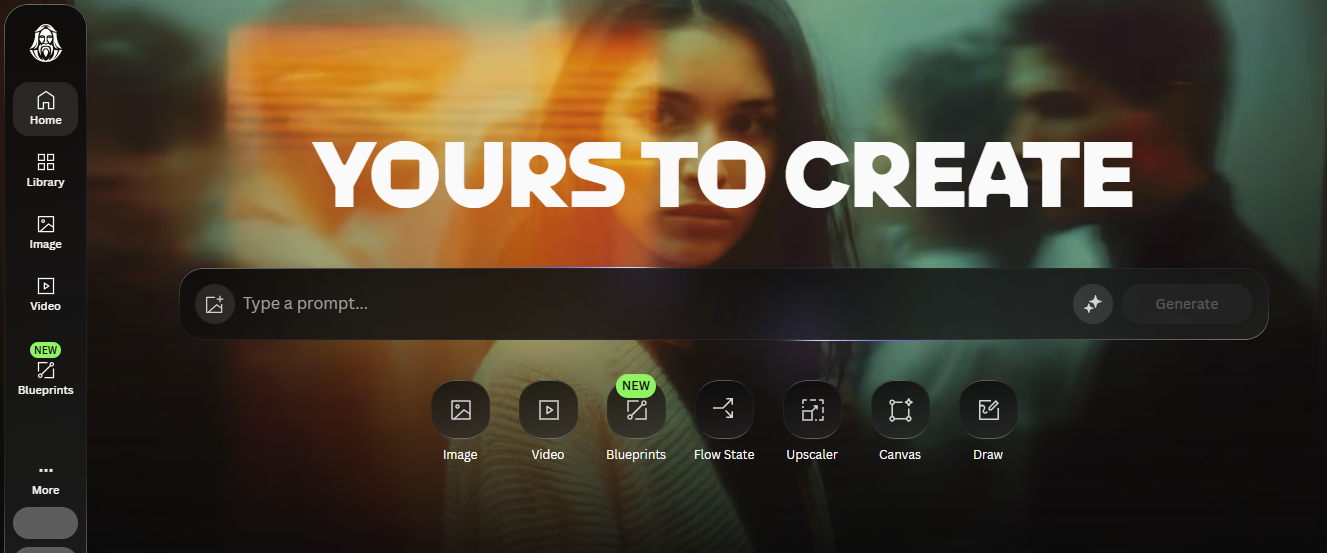
Leonardo AI targets creative professionals needing consistency in visual style across multiple images. It is widely used in gaming, concept design, and digital illustration. The platform allows users to train models or adjust prompts to maintain uniformity in characters, environments, and marketing assets. While highly versatile for creative teams, beginners may need time to understand its controls fully.
Pros:
- Strong control over visual style and consistency.
- Useful for batch creation of concept art and product imagery.
- Suitable for professional design teams and creative agencies.
Cons:
- Learning curve for prompt optimization.
- Might be overpowered for small teams needing simple marketing visuals.
8. Designs.ai – Automated branding and marketing visuals
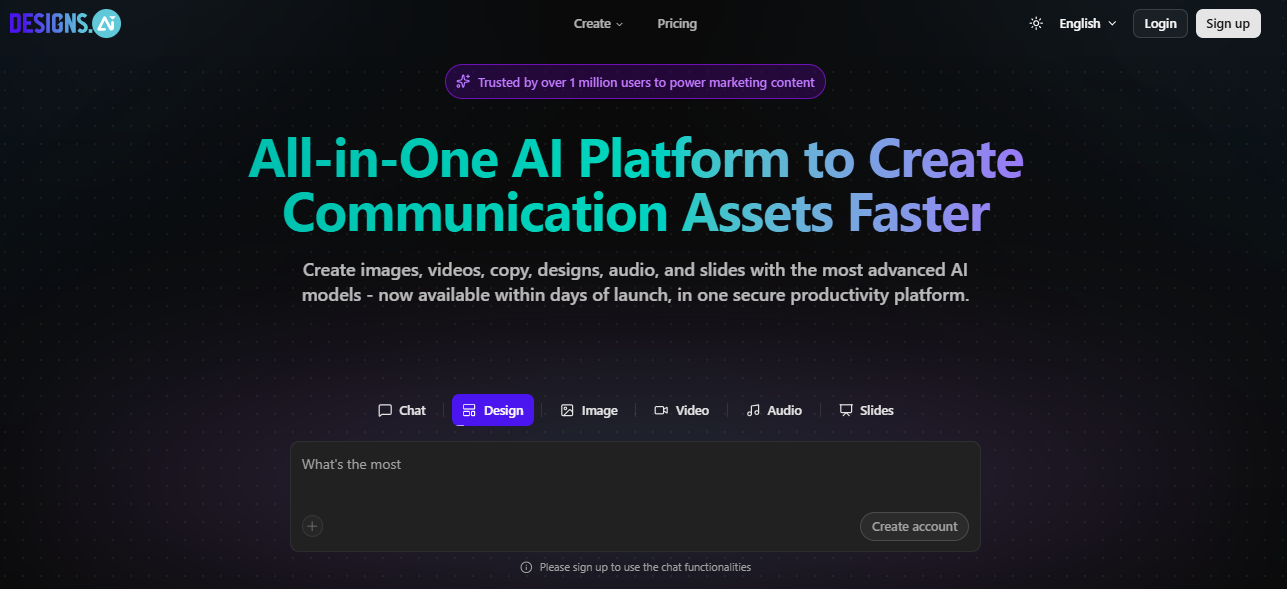
Designs.ai automates the creation of logos, brand kits, social media graphics, and marketing visuals. It helps businesses maintain a consistent visual identity across campaigns without needing dedicated design staff. The platform is particularly useful for startups and small companies that need quick branding solutions. Although it offers less creative flexibility than advanced AI art generators, it is highly practical for businesses prioritizing speed and consistency.
Pros:
- Rapid generation of branding and marketing materials.
- Supports small businesses in creating a consistent visual identity.
- Includes templates for social media and advertising campaigns.
Cons:
- Less suitable for high-end or highly customized creative designs.
- Limited fine-tuning options compared to professional design software.
9. Uizard – AI wireframing and UI prototyping
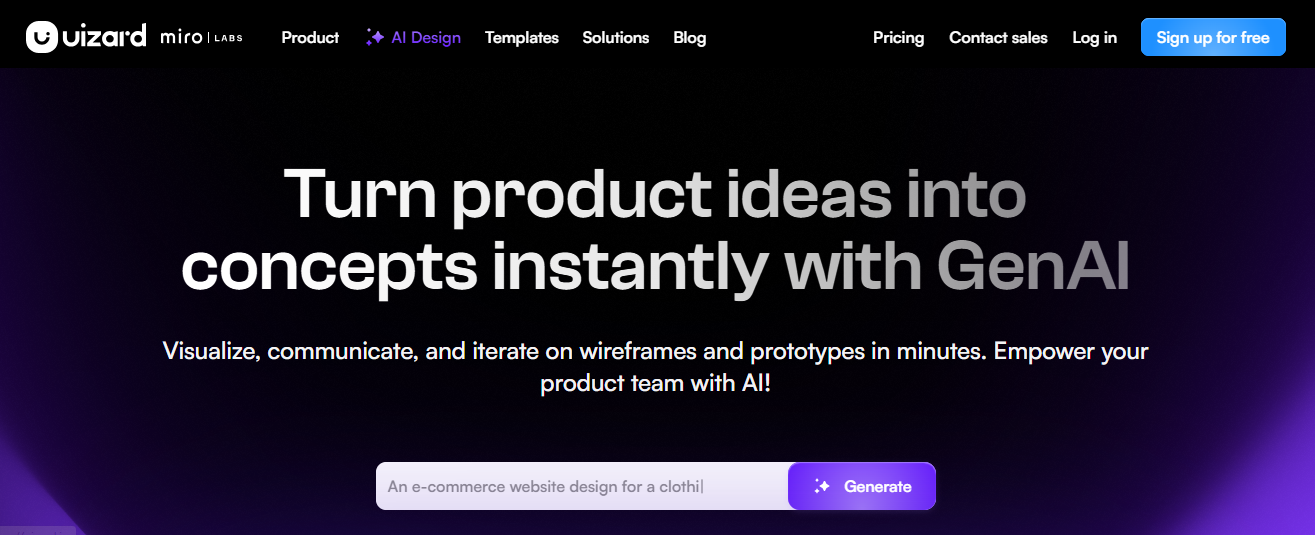
Uizard focuses on generating wireframes and user interface layouts from text prompts or hand-drawn sketches. It is highly valuable for product designers or startups needing quick prototypes for apps, websites, or software interfaces. The platform speeds up the early stages of design by allowing rapid visualization of UI concepts. However, it is not a replacement for professional design tools and is limited to interface design rather than general creative imagery.
Pros:
- Speeds up wireframe and UI/UX prototyping.
- Converts sketches into editable digital layouts.
- Enables quick early-stage testing of interface concepts.
Cons:
- Not suitable for general graphic design or marketing visuals.
- Requires follow-up refinement in professional design tools.
10. Khroma – AI-powered color palette generation
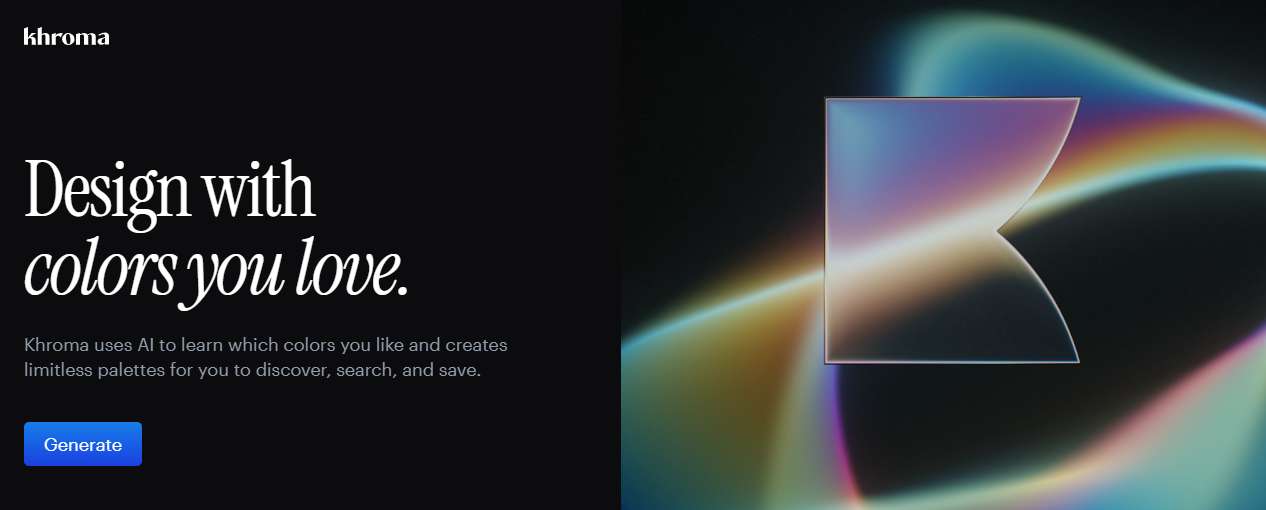
Khroma is focused on color selection, helping designers quickly generate palettes based on their preferences. Users train the system by selecting colors they like, and the AI produces compatible palettes for branding, websites, or marketing visuals. While it doesn’t generate complete images, Khroma is invaluable for maintaining color consistency and improving aesthetic cohesion across campaigns.
Pros:
- Generates consistent, brand-aligned color palettes.
- Speeds up the process of color exploration and testing.
- Useful for branding, web, and marketing projects.
Cons:
- Limited to color palette creation; no full image generation.
11. Looka – Automated logo and brand identity creation
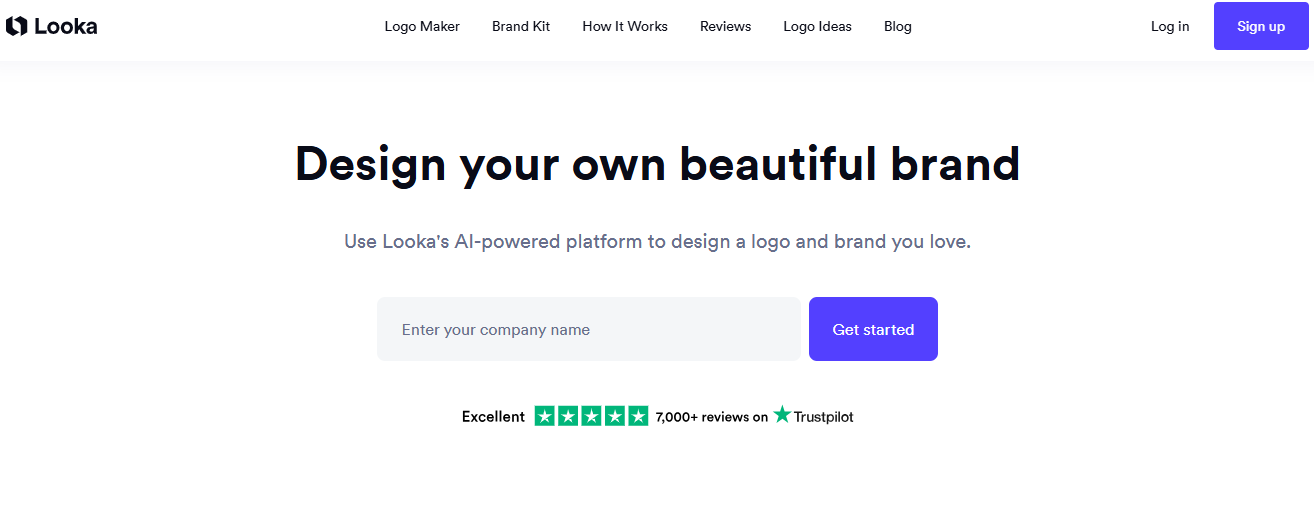
Looka generates logos and brand identity assets quickly using AI. By answering a few questions about the company, industry, and style, small businesses can produce a complete visual identity including logos, business cards, and social media assets. This tool is ideal for startups needing fast branding solutions but may not provide the nuanced customization professional designers can offer.
Pros:
- Fast creation of logos and brand identity assets.
- Generates additional branding materials automatically.
- Affordable alternative to traditional branding services.
Cons:
- Limited creative flexibility for advanced logo customization.
- Premium features may require paid plans.
12. Recraft – Vector-native AI image generation
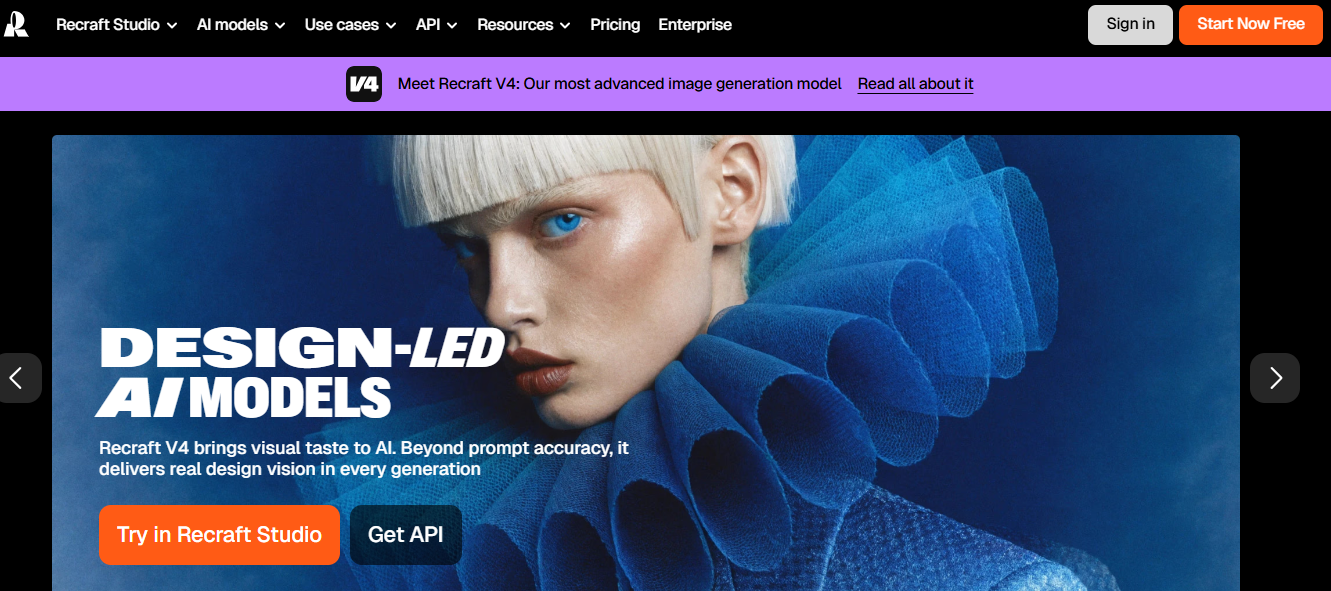
Recraft focuses on vector output for logos, icons, and scalable illustrations. Its images remain sharp at any size, making it perfect for branding, print, and UI design. It complements other AI image generators by handling tasks requiring precise, scalable graphics. Small businesses benefit from the combination of automation and quality control in vector formats.
Pros:
- Creates scalable vector graphics for branding and UI.
- Suitable for print and digital applications.
- Complements raster-based AI generators.
Cons:
- Focused on vector graphics only; not ideal for photographic or artistic images.
Choosing the Right AI Tool for Your Design Needs
Choosing the right AI design tool is less about popularity and more about fit. The best option depends on your workflow, skill level, design goals, and budget. With dozens of AI platforms available, understanding a few key factors can help you choose the tool that actually supports your work.
Skill Level: Beginner vs Professional
Your experience level plays a big role in choosing the right tool.
Beginner-friendly platforms such as Canva focus on templates, automation, and simple editing, making it easy to create visuals without advanced design skills.
Professional designers usually need more control over typography, layout, vector elements, and color systems. These users often prefer tools that integrate with established design software and allow deeper customization.
Type of Design Work
Different AI tools specialize in different types of design. Some focus on marketing graphics, social media visuals, and presentations, while others are built for logos, branding assets, illustrations, or concept art.
Before choosing a platform, define what you create most often. A designer working on brand identity needs different features than someone producing daily social media graphics.
Budget and Pricing Models
AI design tools range from free applications to premium professional platforms. Free tools are useful for beginners or occasional users but may include limitations such as watermarks or restricted generation credits.
Paid tools usually provide higher-quality outputs, stronger editing features, and clear commercial usage rights. When comparing options, consider subscription plans, credit systems, and overall value for your workflow.
Customization and Creative Control
AI tools can generate visuals quickly, but designers often need the ability to refine the results. Some platforms focus on automation and offer limited editing options, while others provide more control over typography, layout, color palettes, and vector elements.
If creative flexibility is important, choose a tool that balances AI generation with manual editing.
Integration with Existing Tools
Workflow integration is another important factor. Many designers already rely on tools for marketing, website design, or content publishing.
Platforms that integrate with design software, CMS systems, or marketing tools make it easier to create, edit, and publish visuals efficiently, especially for teams producing large volumes of content.
Making the Right Choice
The best AI design tool depends on your workflow and priorities. Beginners often prioritize ease of use and affordability, while professionals focus on customization, integrations, and advanced capabilities. Testing a few tools is often the fastest way to discover which one fits your process.
Frequently Asked Questions
What is the best AI tool for graphic design in 2026?
The best AI tool depends on the type of design work. The answer depends on your workflow. Adobe Firefly suits teams already in the Creative Cloud ecosystem. Canva is the go-to for non-designers who need fast, template-driven outputs. For multi-model AI image and video generation, Freepik AI Suite covers the most ground in a single subscription.
Are AI tools replacing graphic designers?
AI tools are not replacing designers. Instead, they help designers work faster by automating repetitive tasks such as layout creation, image generation, and color matching. Human creativity, brand strategy, and storytelling remain essential in professional design work.
Which AI tool is best for logo design?
AI platforms like Looka and Kittl are commonly used for logo creation. These tools generate logo concepts based on brand inputs and allow designers to customize typography, icons, and layouts.
Can AI create professional design assets?
Yes, modern AI tools can generate high-quality design assets such as illustrations, social media graphics, and marketing visuals. Tools like Midjourney and Leonardo AI are known for producing detailed visual outputs that can be refined for professional use.
Are AI design tools safe for commercial use?
Most major platforms allow commercial use, but users must always review licensing policies. Tools such as Adobe Firefly, Canva and freepik AI Suite provide clearer commercial usage terms compared to some experimental AI generators.
Final Thought
No single tool in this list does everything well. The most useful setup for most designers is probably two or three tools used in combination, one for high-quality image generation, one for brand consistency, and one for quick template-based work. The more interesting question isn't which tool wins, but which combination fits your workflow.
Platforms such as Freepik AI Suite, Adobe Firefly, Canva, Midjourney, and Kittl demonstrate how AI can simplify complex design tasks and speed up creative workflows. However, AI works best when combined with human creativity. Designers bring original ideas, storytelling, and strategic thinking, while AI contributes automation, speed, and experimentation.
For individuals, startups, and enterprises, the best approach is to explore these tools, test their capabilities, and integrate them into existing design processes.